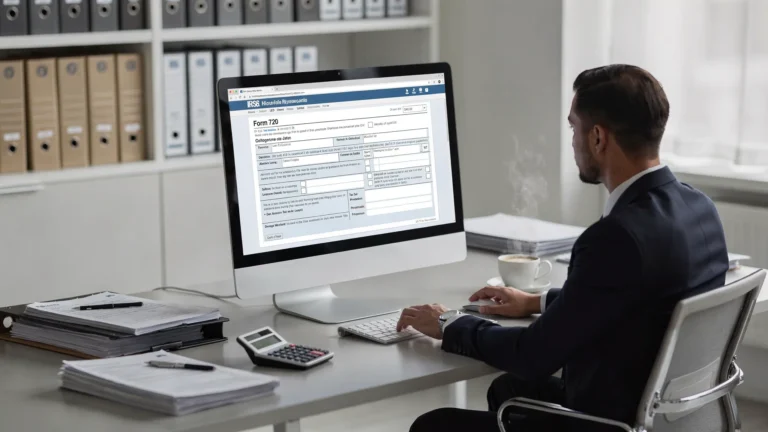
Ozone-Depleting Chemicals excise tax , ODC Tax on Imported Products, Imported Chemical Substances Tax
Ozone-Depleting Chemicals excise tax
Businesses that make import or sell ozone depleting chemicals face a specific federal levy that is reported each quarter. The Ozone-Depleting Chemicals excise tax exists to discourage use of harmful substances and to ensure fair compliance across industries like refrigeration foam manufacturing solvents propellants and fire suppression. If you handle listed chemicals or products made with them you may owe tax on sales uses or imports. This page explains who is liable what data you need and how to file online quickly with eFileExcise720 so you can stay compliant with confidence.
Who must pay and when
Liability is tied to the sale use or import of listed ozone depleting chemicals and certain products manufactured using them. Manufacturers importers retailers and large end users can be liable when a taxable event happens. Timing matters because the tax is reported quarterly and payment is due with the return for that period. Missing a due date can lead to interest or penalties. The law includes special rules for recycled or reclaimed material and for mixtures so you should review your supply chain and contracts to see where the tax applies.
What counts as an ODC event
Common taxable events include first sale by a manufacturer in the United States first use after import and use of an ODC as a raw material. Imported products made with listed chemicals can trigger tax at the time of entry or first sale in the country. Records must prove quantities chemical types dates and counterparties. Good records support your calculation and reduce audit risk.
What to prepare before you file
Accurate reporting starts with a simple checklist. Gather purchase invoices bills of lading product specifications inventory reports and sales documents. Note the date of each taxable event the product code the quantity the country of origin and whether the item is recycled virgin or reclaimed. If you sell mixtures record the percent of each chemical. Keep carrier and customs documents to support import entries. Organize these records by quarter so you can complete your return faster.

How eFileExcise720 makes filing simple
eFileExcise720 is an IRS authorized platform that lets you prepare and submit your quarterly return online with ease. Create a free account and use a clean dashboard to enter your data review totals and transmit securely. Our system supports every category tied to ODC activity and it also supports amendments when you need to correct a prior period. Data is protected with strong security so your business details stay safe. Dedicated support helps you move from setup to submission without stress.
Step by step to e-file today
Follow this short path to complete your filing on time.
- Create your account on eFileExcise720 and open a new return for the quarter.
- Add company details including legal name address EIN and contact person.
- Enter ODC event data by product quantity date and counterparty then review totals.
- Pay any balance due through the secure payment options and transmit the return.
- Save the stamped copy in your records and set reminders for next quarter.

Pricing calculations and records to keep
Your calculation depends on the chemical type the weight and the nature of the event. Many businesses use a standard worksheet that ties quantities to rates then rolls up a quarterly total. Keep copies of supplier statements product specs customs entries and internal logs that show how you measured each amount. Strong documentation supports your numbers during any review. If you discover an error later you can correct it with an amendment for the affected quarter. ODC rules sit within the Environmental Tax section of the return.
Avoid common mistakes
The most frequent issues come from missing records inconsistent units or misreading product content. Use a single unit of measure across your entries. If you import finished goods confirm whether an ODC is embedded in the product or used in its manufacture. Match dates to the correct quarter. Review totals before you transmit. Keep a simple retention policy so your team can find support quickly during a question.
Frequently asked questions
Who owes ODC tax on a sale or use? The party that makes the first sale in the country the party that first uses an imported chemical or the importer of a product made with an ODC can be liable based on the event and the records that support it.
How often do I report and pay? You report quarterly and you pay with the return for that quarter. Due dates are the last day of the month after the quarter end which means April 30 July 31 October 31 and January 31.
What records prove my calculation? Keep purchase invoices bills of lading product specifications customs entries inventory logs and worksheets that tie quantities to rates. Keep them by quarter so you can answer questions fast.
Can I fix an error from a past period? Yes you can file an amended return for the affected quarter after you update your records and recalculate the tax.
How does eFileExcise720 help with ODC filing? You get a simple dashboard secure transmission and friendly support. The system guides data entry checks totals and stores a copy for your records.
Where can I read official guidance? Review the IRS filing instructions for environmental taxes which outline who is liable recordkeeping and due dates at the federal level.
Conclusion
The Ozone-Depleting Chemicals excise tax applies when listed chemicals or products move through key points in your business. With organized records clear dates and careful calculations you can file with speed and accuracy. eFileExcise720 gives you an IRS authorized path to prepare submit and store your return online. Create your free account and finish your filing today so your team can focus on operations instead of paperwork. Start now with eFileExcise720 and file confidently online.
ODC Tax on Imported Products
Importers who bring products made with ozone depleting chemicals into the United States may owe a federal levy tied to content and production methods. ODC Tax on Imported Products focuses on goods whose manufacture used listed chemicals even if those chemicals are not present in the final item. If you import refrigeration equipment foam goods propellants solvents or fire suppression devices you should review your supply chain and entry records. This guide explains obligations documents and a simple way to e-file with eFileExcise720.
When an import becomes taxable
Tax liability often arises when the product enters the United States or when it is first sold after import. The responsible party is usually the importer of record or the first domestic seller. The key is to know whether the product was manufactured using an ODC and to have paperwork that proves how you determined that fact. Ask suppliers for statements about chemical use during manufacture and attach those statements to your entry files.
What to collect at the port and beyond
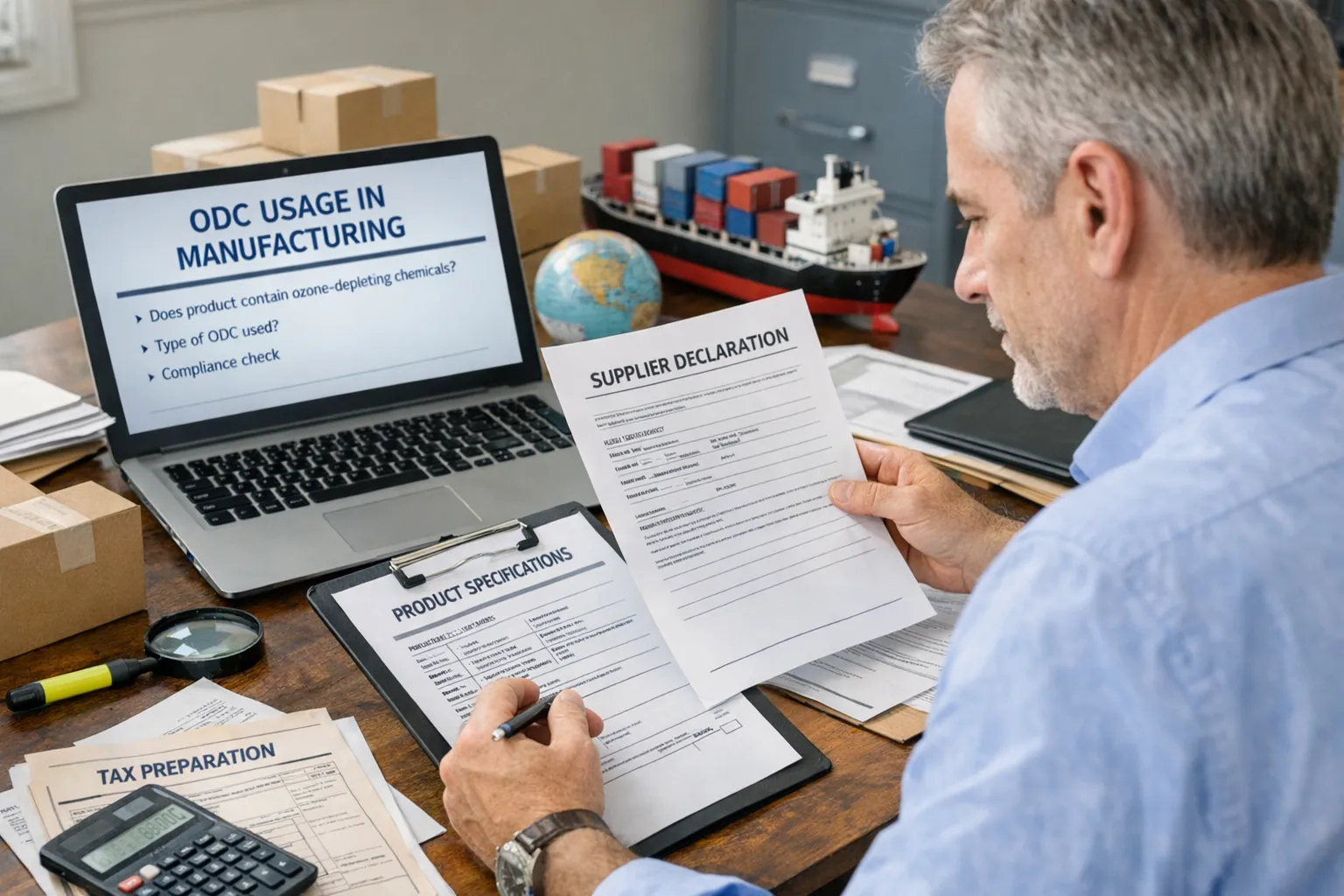
Strong records keep your import program audit ready. Build a simple packet for each shipment that includes supplier declarations product specifications bills of lading commercial invoices entry summaries and any lab or testing data. Track the date of entry the Harmonized System code the description the quantity the country of origin and the counterparty. Keep the same unit of measure across all files so you can reconcile totals without delay.

Calculating the import liability
Your calculation connects product content to the applicable tax rules. Some items are taxed based on the amount of chemical used in production while others rely on equivalent measurements or conversion factors set by regulation. Align units with your supplier statements so your numbers tell a clear story. A simple worksheet that ties each entry line to a rate and a total can prevent mistakes and reduce rework.
How eFileExcise720 supports import filers
eFileExcise720 gives importers an easy online path to complete filings on time. Create a free account and use the dashboard to enter shipment data review totals and transmit securely. The system supports categories tied to imported goods made with ODC and it can handle amendments when you must correct a prior quarter. Data stays protected with strong security while our support team answers questions so you can move from setup to submission without stress.
Step by step filing for imports
Use this quick sequence to finish your return without delay.
- Open a new return for the quarter and select the import category.
- Add importer of record details including legal name address and EIN.
- Enter each entry line with product description quantity date and counterparty.
- Review totals pay any balance due and transmit through secure submission.
- Download your stamped copy and file it with your entry documents.
Avoid common import mistakes
Many importers misjudge content because supplier statements are missing or unclear. Request clear attestations about chemical use during manufacture and store them with the entry packet. Use consistent units so conversions do not create errors. Make sure the right quarter is used by matching the entry date to the reporting period. Review each line before you transmit to reduce questions.
Frequently asked questions
What types of imports can trigger this tax? Goods whose manufacture uses a listed ozone depleting chemical can be taxable even if the chemical does not remain in the final item.
Who is responsible at the time of entry? The importer of record is usually responsible though the first domestic seller can be liable when the tax is based on first sale after import.
How do I report the import activity? You file a quarterly federal excise return that includes the import category for ODC related items and you pay any balance due for that period. Many filers refer to form 720 for this process.
What records should I keep for each shipment? Keep supplier declarations product specifications bills of lading commercial invoices entry summaries and worksheets that tie quantities to rates.
Can I amend a prior quarter? Yes you can file an amended return after you correct records and update calculations then you can transmit the correction for the affected period.
How does eFileExcise720 help importers? The system guides data entry checks totals stores your copy and offers secure transmission. You can finish on time with support from a team that understands import filings.
Conclusion
ODC Tax on Imported Products matters for any importer who brings in goods produced with listed chemicals. With clear supplier statements organized entry packets and consistent units you can calculate the liability and file on time. eFileExcise720 provides an IRS authorized online path to prepare submit and store your return with confidence. Create your free account today and keep your import program compliant quarter after quarter. If you are unsure about whether your product involved an ODC during manufacture ask for a written statement from the supplier and keep it with your import files. Clear documentation protects you during a review and speeds up the filing process because your numbers match the evidence you hold. Start now with eFileExcise720 pick your quarter and finish your import filing in minutes. If you operate across several ports set a single standard for units naming and document storage. Use one folder per entry with the same label format so your team can retrieve proof fast. Create calendar reminders for due dates and test your submission at least a week before the deadline to avoid stress. Clear process reduces risk saves time and improves accuracy during audits or inquiries. Train staff who handle purchasing logistics and compliance so everyone knows how to collect documents and verify supplier statements. With consistent training your entries match your calculations and your filing is faster with fewer surprises for your business. In every quarter.
Imported Chemical Substances Tax
Imported goods that contain or were made with listed chemicals can create a federal excise liability at entry or first sale. The Imported Chemical Substances Tax helps drive safer production choices while ensuring that imports are treated fairly compared with domestic goods. If your business brings in manufactured items like refrigeration equipment foam products propellants solvents or fire suppression devices you may owe tax when a taxable event occurs. This page explains who is liable what to track and how to file online with eFileExcise720.
Who is liable and key dates
The importer of record or the first domestic seller is generally responsible for the tax depending on the facts. Liability often attaches at entry or at the first sale after import. Reporting is quarterly with payment due when the return is filed. Missing a deadline can lead to interest or penalties so calendar reminders help your team stay on track.
What to document for each shipment
Strong documentation supports your calculation and speeds a review. For each entry gather supplier declarations product specifications bills of lading commercial invoices entry summaries and any lab or testing data. Track the date of entry the product description the quantity the unit of measure the country of origin and the counterparty. Keep files organized by quarter for fast access.

How to approach the calculation
Your method depends on the nature of the product and the rule that applies to it. Some items use the amount of listed chemical consumed during manufacture while others rely on equivalent measurements. Align your units with supplier statements so numbers stay consistent across entries. Build a worksheet that shows the entry line the rate the calculation and the total for each shipment.
eFileExcise720 can simplify your filing
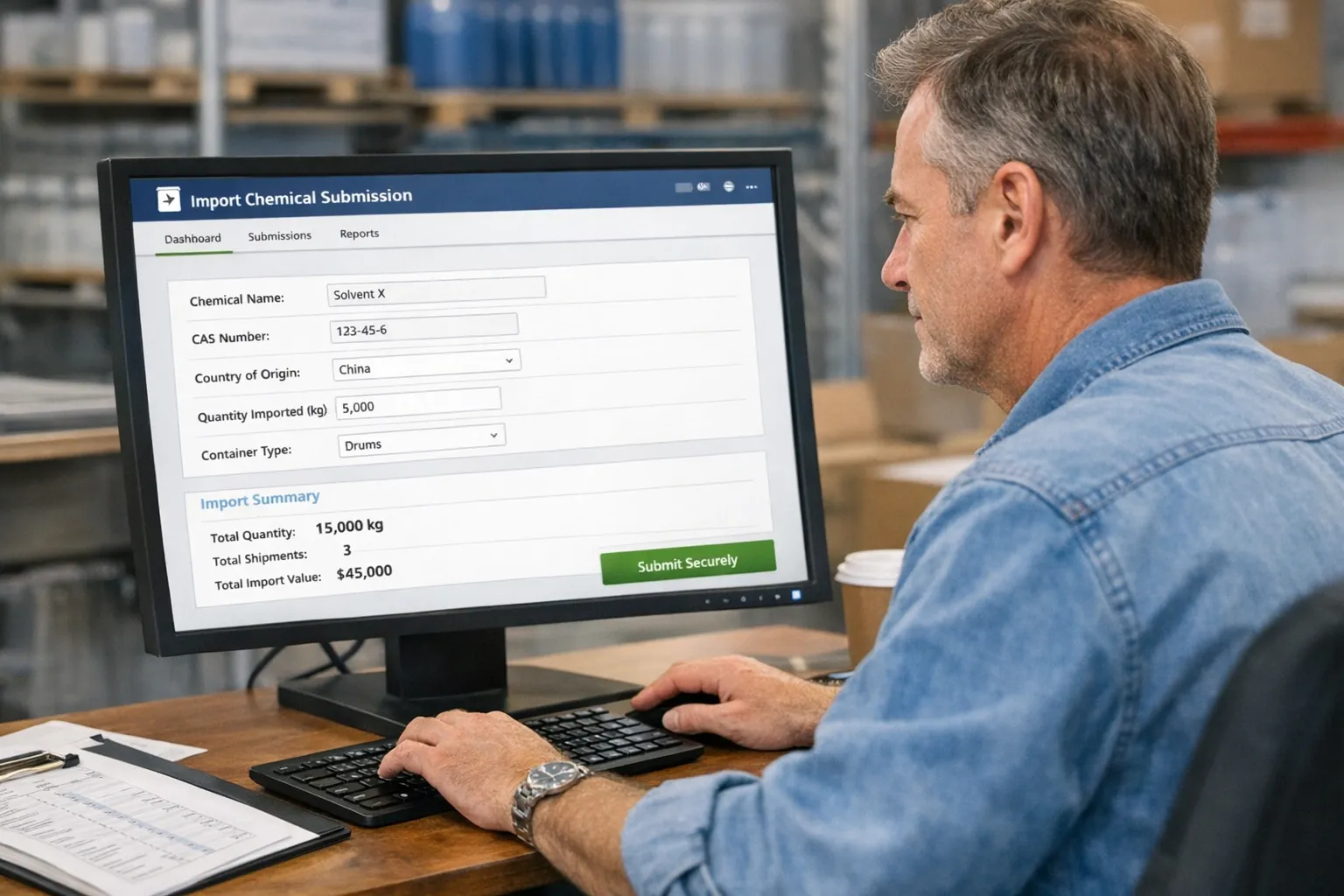
With eFileExcise720 you can move from setup to submission in a few guided steps. Create a free account then use the dashboard to enter data review totals and transmit securely. The platform supports all relevant categories tied to imported substances and it also supports amendments when you must correct a past quarter. Strong security keeps your data safe while dedicated support answers questions with care.
Filing steps you can follow today
Use this quick flow to finish without delay.
- Start a new quarterly return and choose the imported substances category.
- Enter company details legal name address EIN and contact.
- Add each entry line with description quantity unit date and counterparty.
- Review totals pay any balance due and transmit through secure submission.
- Save your stamped copy and store it with the shipment packet.
Avoid common pitfalls
Do not assume the product is tax free because the chemical is not present in the finished item. The rule can look at chemicals used during manufacture. Use consistent units so conversions do not cause errors. Match the entry date to the correct quarter before you submit. Keep supplier statements with the entry packet to support the calculation during a review.
Frequently asked questions
What triggers tax on imported substances? A taxable event can occur at entry or at first sale after import when the product was made with a listed chemical based on the rule that applies to the item.
Who is responsible for paying the tax? The importer of record is usually responsible though the first domestic seller can be liable when the rule ties liability to the first sale in the country.
How often do I report and pay? You report quarterly and you pay when you file the return for that quarter. Due dates fall on the last day of the month after the quarter end.
What proof should I keep? Keep supplier declarations product specifications bills of lading commercial invoices entry summaries and worksheets that show how you calculated the tax for each shipment.
Can I claim a refund if I overpaid? If you later find that you overpaid you may be able to request a refund using the 8849 form after you correct your records and support the claim.
How does eFileExcise720 make filing easier? The platform guides data entry checks totals protects your information and stores a copy of the filed return so your team can access it when needed.
Conclusion
The Imported Chemical Substances Tax reaches many everyday products that enter the country so understanding your records and units is key. With clear supplier statements organized entry packets and a simple worksheet you can report correctly each quarter. eFileExcise720 offers an IRS authorized way to prepare submit and store your filing online with confidence. Start your filing today and keep your import program compliant all year. If you are not sure whether a product was made with a listed chemical ask the supplier for a written statement and keep it with your entry packet. Clear evidence reduces questions and supports your calculation during any review. Begin now with eFileExcise720 create your free account and finish your quarterly filing in minutes with guided steps and secure transmission. Set a single standard for units naming and storage across all ports and warehouses. Use one folder per entry with the same label format so documents are easy to find. Train purchasing logistics and compliance staff on what to collect how to verify supplier statements and how to record dates quantities and measures. Simple habits prevent errors and save hours during filing. Review totals before you press submit and compare them against your worksheet and your entry packet. Confirm that each line uses the right unit and that conversions are shown on the worksheet. Keep a calendar with due dates for all quarters then set reminders for one week before the deadline so you have time to fix issues and transmit without stress. Consistent processes protect your business and help you file correctly every time in any quarter cycle.