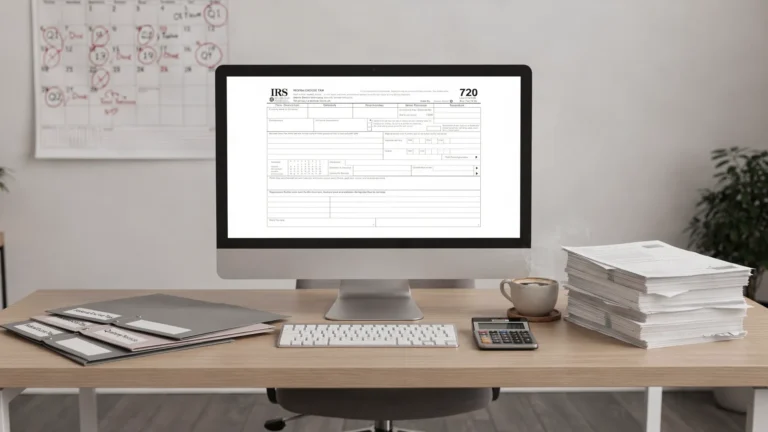
Tax Return Login: How to Access and Fix Sign-In Issues
Missing a filing deadline because you cannot get into your account is stressful, especially when you are working on a quarterly federal excise tax return. If you are searching for a tax return login fix, you usually need one of two things: the right place to sign in, or a fast way to resolve common sign-in errors (wrong email, forgotten password, browser issues, or security blocks).
This guide walks you through how to access your eFileExcise720 account and what to do when login problems pop up, without guesswork.
What “tax return login” means for Form 720 e-filing
For businesses and filers handling federal excise taxes, “tax return login” often refers to accessing an online portal where you can prepare and electronically file returns like:
- IRS Form 720 (Quarterly Federal Excise Tax Return)
- Form 720-X (Amended Quarterly Federal Excise Tax Return)
- Form 8849 (Claim for Refund of Excise Taxes)
With eFileExcise720, your login is the gateway to your online filing account. The platform is IRS-authorized, requires no software download, and is designed to help you e-file Form 720 categories in one place.
How to access your eFileExcise720 account (step-by-step)
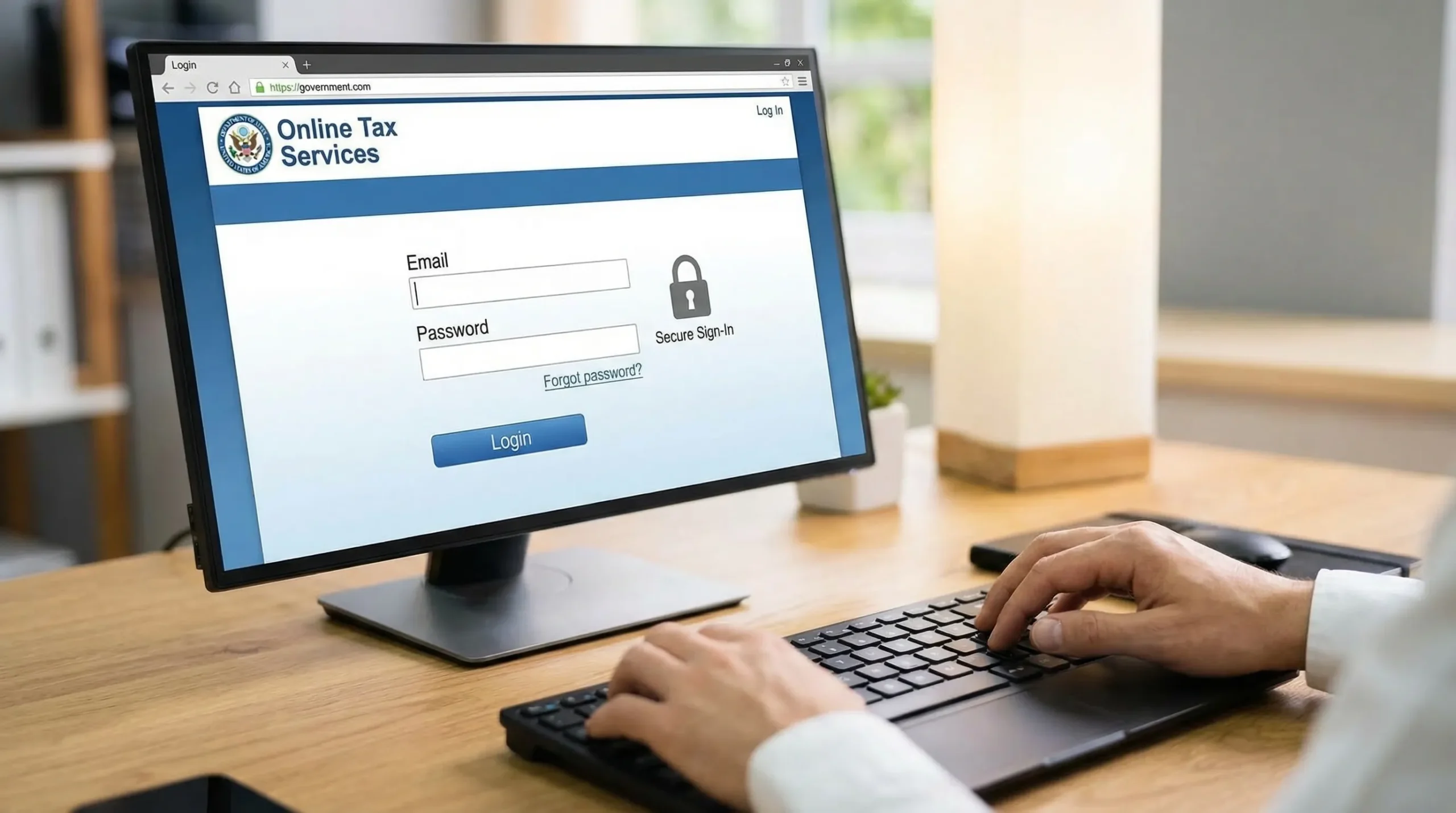
If you are simply trying to find the right path to sign in:
- Go to the official website: eFileExcise720.
- Look for a button or menu item labeled Login, Sign In, or My Account.
- Enter the email address you used when creating your account.
- Enter your password (watch for caps lock, extra spaces, or autofill mistakes).
- Submit to access your account.
If you are new to the platform, you can create an account first (account creation is free) and then return to the login screen.
Quick fixes for the most common tax return login issues
Most sign-in problems fall into a short list of patterns. Use the table below to identify what is happening and what typically resolves it.
| Login issue | Most likely cause | What to try first |
|---|---|---|
| “Incorrect password” | Typo, password manager filled old password, caps lock on | Re-type manually, then use Forgot password |
| “Email not found” or “No account exists” | Using a different email than the one on the account | Search inbox for prior eFileExcise720 emails and confirm the signup email |
| Password reset email not arriving | Spam filtering, wrong email, mailbox rules | Check spam/junk and promotions, then try again after confirming the email |
| Page keeps refreshing or won’t submit | Browser cache/cookies issue or blocked scripts | Try an incognito/private window or a different browser |
| Login works on phone but not computer (or the opposite) | Device-specific browser extensions or network blocks | Disable extensions temporarily, switch networks, or try a different device |
| “Access denied” or unusual error | VPN/corporate firewall or security rule | Disable VPN temporarily or try a standard home network |
Issue 1: You forgot your password
This is the most common reason a tax return login fails.
What to do:
- Use the Forgot password link on the login page.
- Enter the email address tied to your account.
- Follow the reset link sent to your email.
Tip: If your password manager keeps filling the wrong credentials, delete the saved entry and re-save it after you successfully sign in.
Issue 2: You are using the wrong email address
Many filers have multiple emails (personal, accounting department, payroll, AP, or a third-party preparer address). If the portal says your email is not recognized, it is often because you originally registered with a different address.
How to confirm your correct email:
- Search your inbox for terms like “eFileExcise720,” “Form 720,” or “account.”
- Check whether you may have used a shared mailbox (for example, compliance@ or tax@).
- If your business changed domains recently, try the old domain address.
Issue 3: Password reset email is not showing up
If you requested a password reset and nothing arrives within a few minutes:
- Check spam/junk folders.
- Check email tabs like Promotions (Gmail) or Other (Microsoft).
- Search for “reset” plus the company name.
- Confirm you typed the email correctly (one character off will send nothing).
If your organization uses strict mail filtering, your IT team may need to allow expected system emails.
Issue 4: The login page is loading, but you cannot sign in (browser problems)
Modern sign-in pages rely on cookies and scripts. If something is blocked, you can get stuck in a loop where the login page refreshes or the sign-in button does nothing.
Try this sequence (fastest to slowest):
- Open a private/incognito window and try signing in again.
- Clear cookies/cache for the site (or clear recent browsing data).
- Disable browser extensions temporarily (especially ad blockers, script blockers, privacy tools).
- Switch browsers (Chrome, Edge, Firefox, Safari).
- Switch devices.
Issue 5: VPN or corporate network blocks
Some business networks inspect encrypted sessions or block certain authentication flows. If you are on:
- A corporate VPN
- A secured corporate network
- A hotel or public Wi-Fi with captive portal restrictions
Try disconnecting from the VPN and signing in from a standard trusted network.
A practical troubleshooting checklist (when you need to get in today)
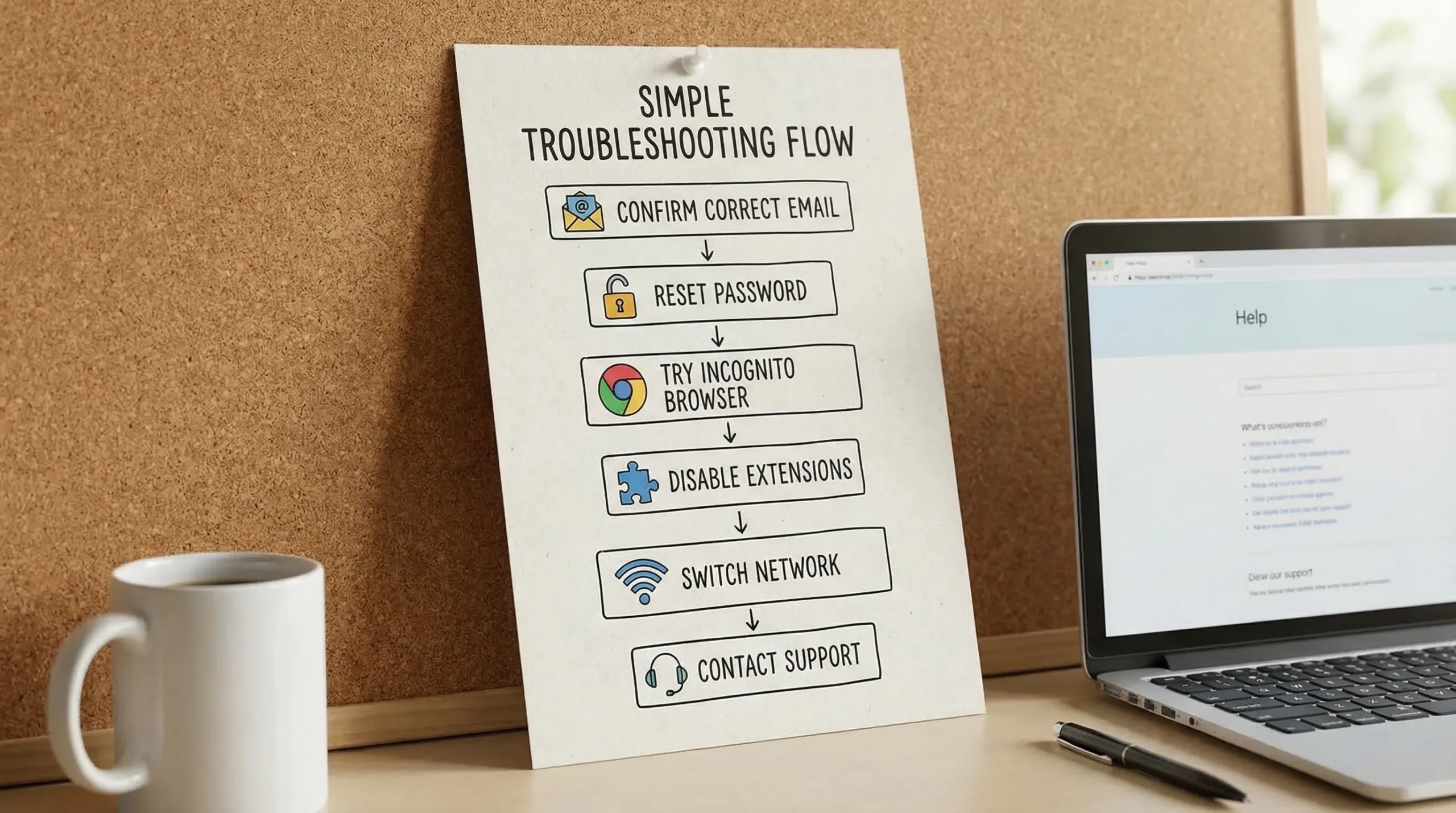
If you are close to a filing deadline and need a reliable path to resolve a tax return login issue quickly, work through this checklist in order:
- Confirm you are on the official site: eFileExcise720.com.
- Re-enter your email address slowly (no trailing spaces).
- Re-enter your password manually.
- Use Forgot password and reset.
- Try incognito/private browsing.
- Try another browser.
- Disable extensions.
- Change networks (turn off VPN, try mobile hotspot).
This approach fixes the majority of sign-in issues without waiting on support.
When login problems may be security-related (and what to do)
Any tax-related account contains sensitive information. If you see signs that your login issue might be security-related, slow down and verify what is happening.
Red flags include:
- You received a password reset email you did not request.
- Your saved password suddenly no longer works and you did not change it.
- You are asked to sign in from an unfamiliar link in an email.
Best practices:
- Navigate directly to the website instead of clicking email links.
- Use a strong, unique password for tax portals.
- Watch for phishing attempts. The IRS maintains guidance on recognizing scams and phishing at its phishing and online scams resource page.
If you suspect unauthorized access to any tax account, document what you saw (date/time, emails received, screenshots) and change your password immediately.
What to have ready before contacting customer support
If you still cannot access your account after the steps above, contacting support is usually the fastest option. eFileExcise720 offers personalized customer support, and you will get help faster if you provide the right details upfront.
Have ready:
- The email address you believe is tied to the account
- The exact error message (copy/paste if possible)
- Your browser and device (for example, Chrome on Windows, Safari on iPhone)
- The approximate time you attempted to sign in
For the safest experience, avoid sending sensitive personal identifiers over email unless the support process specifically instructs you to do so through a secure channel.
You can start from the main site and look for the Contact or Support option: eFileExcise720.
Prevent future tax return login issues (simple habits)
Once you are back in your account, a few small actions can prevent repeat lockouts during busy filing weeks:
- Save your login email in a secure password manager note (especially if multiple people share filing duties).
- Update stored passwords immediately after any password reset.
- Bookmark the official homepage or login entry point.
- Avoid signing in from unknown Wi-Fi networks when possible.
If you file Form 720 quarterly, these habits matter because sign-in problems tend to appear at the worst time: right before a due date.
Frequently Asked Questions
What is a tax return login? A tax return login is the sign-in process to access an online tax filing account where you can prepare, manage, and submit tax returns (such as Form 720 for federal excise taxes).
Why does my tax return login say my email is not recognized? Most often, it means you are using a different email than the one used at signup (for example, a personal email instead of a work email). Search your inbox for older account emails to confirm the correct address.
What should I do if I forgot my password? Use the Forgot password option on the login page, then follow the password reset link sent to your email. If it does not arrive, check spam/junk folders and confirm you entered the correct email.
Why is the login page not working in my browser? Browser cache issues, blocked cookies, or extensions (like ad blockers or privacy tools) can prevent sign-in forms from submitting. Try an incognito/private window or a different browser.
Is it safe to log in to a tax filing portal on public Wi-Fi? It is safer to use a trusted network. Public Wi-Fi can increase risk, especially if you are also receiving authentication emails or resetting a password.
Can I still file if I can’t access my account? You generally need account access to e-file through an online portal. If troubleshooting steps do not work, contact support promptly so you can regain access before the quarterly deadline.
File Form 720 online without the usual hassle
If your goal is not just to fix a tax return login, but to file and move on with your day, eFileExcise720 is built for that. It is an IRS-authorized e-filing portal for Form 720 that requires no software download, supports all Form 720 categories, and also supports Form 720-X amendments and Form 8849 claims.
Get started or sign in here: eFileExcise720.