
Blog and Service Page (Manufacturers Taxes)
Manufacturing Tax eFiling for IRS Form 720
Speed up quarterly excise reporting with an IRS‑authorized partner that understands how manufacturers work. eFileExcise720 lets plant controllers tax managers and accounting firms prepare review and e‑file Form 720 in one secure workflow. You get simple onboarding real support and fast acknowledgments so your team can focus on production not paperwork.
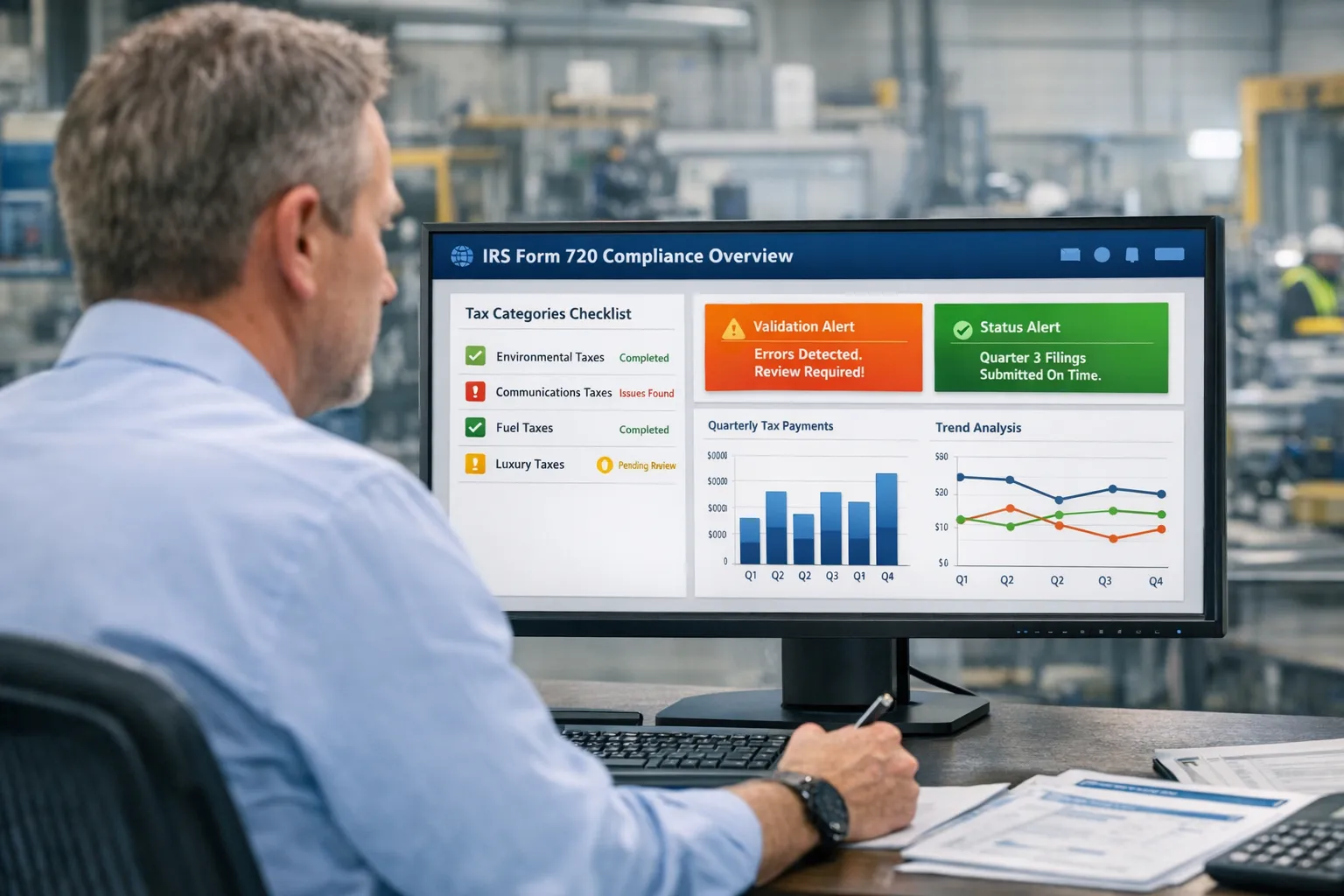
Understand IRS manufacturing taxes and Form 720
Manufacturers often collect and report federal excise taxes tied to specific products uses or environmental rules. Form 720 covers many of these liabilities across Part I and Part II categories. Common items include fuel related excise taxes certain retail taxes on heavy trucks and trailers aviation and environmental taxes plus various industry specific schedules. The official Instructions for Form 720 outline who owes what how to compute the liability and when to file. Review the current instructions on the IRS website before each quarter since categories or lines can change.
Our platform supports all active schedules on Form 720 so your team can select only what applies. If your organization sells or uses taxed items as a manufacturer importer or retailer you likely fall under irs manufacturing taxes that require recurring filing. You can set up the applicable lines once then roll them forward which reduces data rekeying and entry errors.
Who must file and when
Form 720 is a quarterly return due on the last day of the month that follows the quarter. Returns are due April 30 July 31 October 31 and January 31. Businesses file when they have liability even if deposits covered most of what is due. Many manufacturers file every quarter due to regular production schedules. If you only have one time liability you file for that quarter only.
You may also need to amend a prior quarter using Form 720‑X if you discover an error after filing. If you are due a refund for excise taxes you might use Form 8849 for specific claims as allowed by the instructions. eFileExcise720 supports both so you can stay current with manufacturers tax filing from original returns to corrections and claims.
How eFileExcise720 streamlines manufacturers tax filing
- IRS‑authorized e‑filing for Form 720 so you file with confidence
- Private and secure account access with encryption and protected storage
- A clean dashboard that mirrors the form structure for quick navigation
- Built in math checks and data validations that reduce rejections
- Save common products or schedules so recurring entries go faster
- US based customer support that understands manufacturers tax compliance
- Support for amendments with Form 720‑X and claims with Form 8849
Your team can collaborate without installing software. Create a free account then import or enter figures by schedule. Add responsible party details payment method and contacts. The system validates totals then submits through the IRS modernized e‑file system. You get an electronic timestamp and an IRS acknowledgment in your account for audit support.
Simple steps to file Form 720 online
- Create your free account at eFileExcise720 and add your business profile.
- Choose the tax period then select the schedules and lines that apply.
- Enter quantities sales or rates as required then review computed totals.
- Attach any required statements for special claims or environmental items.
- Select Electronic Funds Withdrawal or EFTPS if a balance is due.
- Run validation checks then submit to the IRS and download your receipt.
If you spot an error later you can prepare a Form 720‑X to correct it. For allowable refunds you can start a Form 8849 claim with supported schedules in the same account. Keeping everything together helps you preserve a clean history of filings adjustments and payments.
Best practices for manufacturers tax compliance
- Reconcile production bills of materials and shipping logs to the quantities reported on Form 720 each quarter
- Track exemptions and partial credits with source documents so you can substantiate positions
- Align deposit timing with liability so cash moves on schedule and penalties do not apply
- Check the latest Instructions for Form 720 each quarter so you keep up with line changes
- Use role based access in your account so preparers reviewers and approvers each have the right view
Good records and clear review procedures keep teams audit ready. eFileExcise720 centralizes your filings payments and IRS acknowledgments which supports manufacturers tax compliance across plants and subsidiaries.
Why manufacturers choose eFileExcise720
- IRS authorization so submissions route through approved channels
- No software to install which reduces IT work
- Simple pricing with free account creation
- Helpful human support by chat email or phone
- Coverage for all active Form 720 categories with tools for amendments and refunds
Our goal is to make manufacturing tax reporting reliable and repeatable every quarter. You get fewer manual steps less rekeying and better visibility across entities.
FAQs
Do I need to file if deposits cover my liability? Yes you still file a quarterly return when you have liability for the period.
Can I correct a filed return online? Yes you can file Form 720‑X through your account to fix amounts after submission.
How do I claim a refund of excise tax? Many claims use Form 8849 with supporting schedules. You can prepare it in the same account.
Get started today
Set up your free account then complete your next return in minutes. Keep every acceptance notice payment record and amendment in one secure place. Visit eFileExcise720 to start now and finish your next manufacturing tax filing with confidence.
Where to File IRS Form 720: A Complete Guide
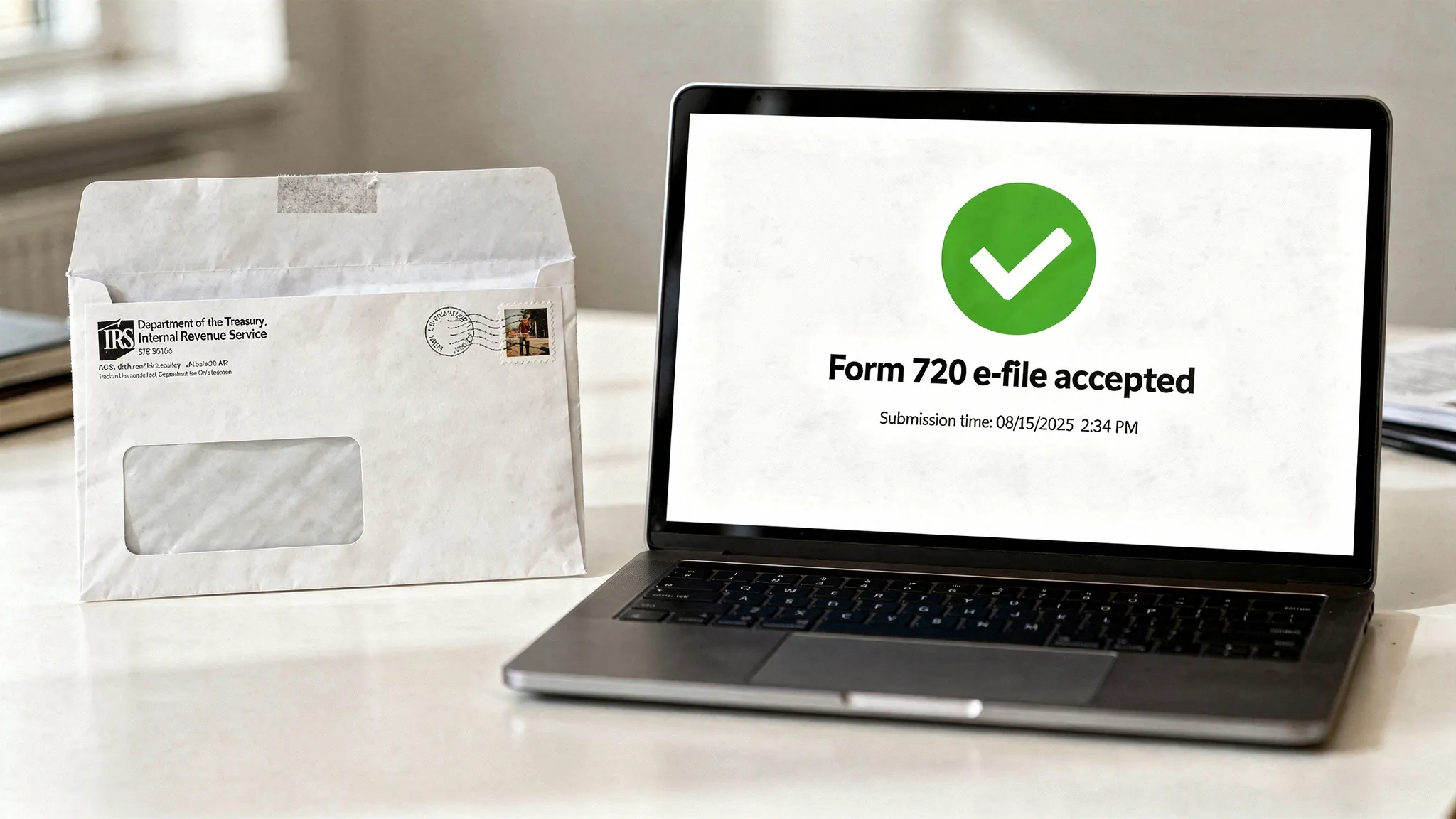
If you are asking where to file IRS Form 720 you have two choices. File 720 online through an IRS‑authorized provider or mail a paper return to the address listed in the current instructions. The fastest choice is e‑file which delivers quick acknowledgments and reduces common errors. This guide explains both options shows key deadlines and gives practical tips so you can choose the best route for your business each quarter.
Option 1: File 720 online for speed and accuracy
E‑file is the simplest answer to where to file IRS Form 720. You submit securely through an IRS‑authorized platform and receive an electronic acknowledgment you can keep for your records. With eFileExcise720 you get guided schedules built in math checks and secure payment options. You can also prepare Form 720‑X for corrections and Form 8849 for eligible claims in the same account.
Why online filing works best
- Faster acceptance with fewer keying mistakes
- Clear status tracking from submitted to accepted
- Secure storage of receipts and copies for audits
- Easy roll forward of recurring lines quarter to quarter
Tip: Some filers prefer to keep bank control in EFTPS. You can select EFTPS in your return while still e‑filing the form.
Option 2: Mail a paper Form 720 when required
You can still mail a paper return if your process requires it. Mailing addresses can change so use the current “Where to File” section in the IRS Instructions for Form 720. The IRS page lists the address that applies to your situation. Paper processing can take longer so plan for transit and posting time.
Helpful references
- IRS Form 720 and Instructions
- IRS Where to File section inside the instructions for the current year
Due dates and planning
Form 720 is due on the last day of the month after the quarter ends. Put these dates on your calendar.
| Quarter | Period covered | Filing due date |
|---|---|---|
| Q1 | Jan 1 to Mar 31 | Apr 30 |
| Q2 | Apr 1 to Jun 30 | Jul 31 |
| Q3 | Jul 1 to Sep 30 | Oct 31 |
| Q4 | Oct 1 to Dec 31 | Jan 31 |
If you file near the deadline e‑file reduces risk from mail delays. If the IRS rejects an e‑file you can correct and resubmit quickly which helps you avoid late filing penalties.
E‑file vs mail: choose by outcome
| Factor | E‑file | |
|---|---|---|
| Proof of timely filing | Electronic timestamp and IRS acknowledgment | Postmark and later IRS posting |
| Error checks | Built in math and data validations | Manual only |
| Speed | Submission in minutes | Transit and processing time |
| Corrections | File 720‑X online and track | Paper correction by mail |
If you need rapid proof of receipt or you manage multiple entities e‑file provides a clear advantage. If your internal policy still prefers wet signatures you can mail the form with certified mail service as backup.
Examples from the field
- A midsize auto parts manufacturer files Q1 through Q4 every year. They moved to E Eile Excise 720 so managers could see status with one login and save time on each schedule. The team now rolls forward repeated lines and spends review time only on changes.
- A regional fuel blender files Part I fuel taxes with complex credits. They e‑file the base return then submit a Form 8849 claim for eligible refunds through the same account which keeps every document together for audits.
How to file 720 online in minutes
- Create a free account at eFileExcise720
- Add your business then pick the quarter
- Select only the schedules you need
- Enter quantities rates and amounts then run validation checks
- Choose Electronic Funds Withdrawal or EFTPS for payment if due
- Submit securely then download your IRS acknowledgment
FAQs
Where do I mail Form 720? Check the current Instructions for Form 720 for the correct address that applies to your situation since addresses change.
Can I correct a filed Form 720? Yes use Form 720‑X to correct a previously filed quarter. You can prepare and e‑file it through your account.
How do I claim a refund related to Form 720? Many claims use Form 8849. Review the instructions to confirm your situation then file in the same account for a complete record.
File with confidence today
The fastest answer to where to file IRS Form 720 is online with an authorized provider. Start now at eFileExcise720 so you can submit quickly keep clean records and move on with your day.