
How to File US Taxes Online: Forms, Deadlines, and Proof
Filing taxes online in the U.S. is faster and easier than paper filing, but only if you match the right IRS form to the right deadline, pay correctly, and keep proof that the IRS accepted what you submitted. That “proof” piece matters more than most people realize because it is what protects you if an IRS notice arrives months later, or if you need to show a lender or auditor that a return was filed and paid on time.
This guide breaks down how to file U.S. taxes online across common return types (individual, business, payroll, and excise), what deadlines typically apply, and what documentation to save as your proof of filing and payment.
1) Start with the right return: “U.S. taxes” means many different forms
In the U.S., the filing method (online vs paper) is secondary to the filing obligation. First identify what tax you are reporting:
- Income taxes (individual and business): annual returns such as Form 1040, 1120, 1065.
- Payroll taxes: periodic returns such as Form 941.
- Excise taxes: often quarterly returns such as Form 720.
- Corrections and refund claims: amendment or claim forms such as 1040-X, 720-X, and 8849.
A quick reference table can help you narrow down which return you are actually trying to file.
| Tax area | Common IRS form(s) | Who typically files | Normal filing frequency | Online filing notes |
|---|---|---|---|---|
| Individual income tax | Form 1040 | Individuals, some self-employed | Annual | Often filed via IRS options or commercial software |
| Corporate income tax | Form 1120 | C corporations | Annual | Typically e-filed through approved software/providers |
| Partnership return | Form 1065 | Partnerships, many multi-member LLCs | Annual | Typically e-filed through approved software/providers |
| Payroll taxes | Form 941 | Employers | Quarterly | Usually e-filed through payroll provider or IRS-approved software |
| Federal excise taxes | Form 720 | Businesses with excise tax liability (activity-based) | Quarterly | Often requires a specialized IRS-authorized e-file provider |
| Excise amendments | Form 720-X | Form 720 filers correcting a prior quarter | As needed | May be supported by specialized excise e-file providers |
| Excise refunds/claims | Form 8849 | Claimants seeking certain excise tax refunds/credits | As needed | Documentation-heavy, often supported by specialized providers |
If your obligation is federal excise tax, you will almost always end up in the Form 720 ecosystem. If you are not sure whether your business triggers Form 720 filing, eFileExcise720 maintains excise-focused resources and filing support that are more targeted than general tax software.
2) Choose the right way to file online (and confirm the IRS accepts that method)
“File online” can mean different channels depending on the form:
IRS online options (best for many individual filings)
For many individual taxpayers, the IRS provides entry points for electronic filing. Start with the IRS “file electronically” hub and eligibility tools: IRS: File electronically.
Depending on your situation, you might use an IRS program, a tax professional, or commercial software. The key is to ensure you receive an electronic acceptance acknowledgment after submission.
IRS-authorized e-file providers (common for businesses, especially specialized returns)
Businesses frequently file through IRS-authorized software or e-file providers, particularly when the return is not handled by mainstream consumer products.
A good example is Form 720 (Quarterly Federal Excise Tax Return), which is often filed through an IRS-authorized excise platform rather than a typical income tax tool.
If you need to e-file Form 720 (including all Form 720 categories), amend with Form 720-X, or submit Form 8849 claims, eFileExcise720 is an IRS-authorized online portal designed specifically for federal excise filings.

3) Prep work that makes online filing smoother (and reduces rejects)
Online filing failures are usually not “tax math” problems. They are identity, entity, or data consistency problems. Before you start your submission, gather what the IRS e-file system or your provider will use to validate the return.
For individuals, that often means your SSN, filing status, and prior-year AGI or identity PIN where applicable.
For businesses, that often means your legal business name, EIN, entity address, responsible party details, and consistent quarter or year selection.
Here are practical items that commonly prevent last-minute issues:
- Entity matching: Ensure the legal name and EIN match IRS records (a mismatch can trigger rejections).
- Banking details: Have routing/account numbers ready if paying electronically.
- Payment channel access: If you pay via EFTPS, confirm you can log in before the deadline. The IRS EFTPS site is EFTPS.gov.
- Source documentation: Keep the reports that feed the return (payroll registers, sales reports, fuel volumes, invoices, broker import entries, etc.).
4) Deadlines: know what is due, when, and what “timely” means
Deadlines vary by form, but the underlying rule is consistent: your return must be submitted on time and accepted (or postmarked on time for paper), and any required payment or deposits must be made on time.
Also, some deadlines move when the due date falls on a weekend or legal holiday. Always verify the current-year deadline on IRS instructions or the IRS filing calendar.
Common deadlines at a glance (typical rules)
| Form type | Typical due date rule | Example timing notes |
|---|---|---|
| Form 1040 (individual) | Usually April 15 | Can shift for weekends/holidays; extensions change filing date, not payment due date |
| Form 1120 (C corp) | 15th day of the 4th month after year end | Calendar-year corporations are often due April 15 |
| Form 1065 (partnership) | 15th day of the 3rd month after year end | Calendar-year partnerships are often due March 15 |
| Form 941 (payroll) | Last day of month following quarter end | Q1 typically due April 30, Q2 July 31, Q3 Oct 31, Q4 Jan 31 |
| Form 720 (excise) | Last day of month following quarter end | Q1 Apr 30, Q2 Jul 31, Q3 Oct 31, Q4 Jan 31 (with weekend/holiday adjustments) |
If you are specifically filing Form 720, eFileExcise720 maintains a dedicated guide to quarterly due dates that you can cross-check before submitting: Form 720 due date.
Extensions and online filing: what they do (and what they do not do)
Extensions generally extend the time to file, not the time to pay. For many taxpayers, the most expensive misunderstanding is filing an extension online and assuming payment is also extended. If you owe tax, plan a payment strategy by the original due date.
5) Submit online, then confirm acceptance (submission is not the same as acceptance)
For online tax filing, “I hit submit” is not the finish line.
Most e-file flows have at least two important timestamps:
- Transmission time: when you sent the return.
- Acceptance time: when the IRS accepted it (or rejected it).
For many forms and systems, you will receive one of the following outcomes:
- Accepted: save the acceptance acknowledgment.
- Rejected: correct the issue and retransmit as soon as possible.
This is especially important near a deadline. A rejected return that is not corrected until after the due date can be treated as late.
6) Proof of filing and proof of payment: what to save (and why)
If you file online, your best proof is typically an IRS or IRS-authorized acknowledgment of acceptance plus payment confirmation.
If you file by mail, your best proof is typically a timely postmark and evidence of what you mailed.
The table below summarizes practical proof documents to retain.
| Situation | Proof of timely filing | Proof of timely payment | What to archive |
|---|---|---|---|
| E-file accepted | IRS/provider acceptance acknowledgment with date/time | EFTPS confirmation number, IRS Direct Pay confirmation, or other payment receipt | Filed return PDF, acceptance page/email, payment receipt, supporting schedules and source reports |
| E-file rejected then fixed | Final acceptance acknowledgment (and error history if available) | Payment confirmation for the correct amount/date | Copies of reject codes/messages, corrected return version, acceptance proof |
| Paper filed | Certified Mail or other mail tracking showing timely postmark, plus evidence of contents | Proof check was cashed (images), or EFTPS/Direct Pay confirmation | Copy of the signed return, mailing receipt, tracking, and a mailing log of what was sent |
How long should you keep proof?
Retention rules depend on the tax type and your situation, and some excise records may need to be kept longer based on the underlying transactions and claim activity. As a practical baseline for most businesses, keep a well-organized package for each filing period that includes:
- The filed return and schedules
- The acceptance acknowledgment
- Payment confirmations and deposit support (where applicable)
- The source data that supports the numbers
That package is what allows you to respond quickly to notices and reduces the time your CPA or internal finance team spends reconstructing a quarter.
7) If you find a mistake after filing: fix it the right way
Online filing makes it easier to submit on time, but it does not eliminate the need for corrections.
For income tax, amendments may involve forms like 1040-X.
For federal excise tax, corrections typically involve:
- Form 720-X to amend a previously filed Form 720 quarter
- Form 8849 to claim certain refunds or credits (often with schedule-specific rules)
If you file excise, choosing between an amendment and a claim matters. A focused explanation is here: Form 720 vs Form 8849: what’s the difference?. If you are specifically evaluating whether an amended return can be e-filed for excise, see: Can an amended return be efiled?.
8) Common online filing pitfalls (and how to avoid them)
Most filing problems fall into a few predictable categories:
Mixing up the “form” and the “tax”
People often search “file U.S. taxes online” when what they really need is “file payroll taxes” or “file federal excise taxes.” A Form 1040 workflow will not help you file a quarterly Form 720.
Waiting until the last day to create payment access
If you need EFTPS, get access early. Delays in login setup or password resets are common, and they create deadline pressure.
Inconsistent entity data
If your legal name, EIN, address, or responsible party information differs between IRS records and your filing profile, an e-file reject is more likely.
Not saving proof immediately
Do not assume you can “pull it later.” Save the acknowledgment and payment confirmation when you receive them, store them with the filing package for that period, and back them up.
9) Filing Form 720 online: what’s different about excise tax returns
Form 720 filers often need a more operational approach than income tax filers. Excise tax reporting is usually driven by transaction systems and quantity tracking (fuel volumes, taxable sales, communications billing, environmental quantities, PCORI fee inputs, etc.). That makes quarter-end workflows and documentation especially important.
At a high level, a clean Form 720 online filing process looks like this:
- Confirm which Form 720 categories apply to your activities for the quarter
- Reconcile your source data (sales, gallons/barrels, invoices, internal tax engine outputs)
- Prepare the quarter’s return and any required schedules
- Submit electronically and confirm acceptance
- Pay via the appropriate method and save payment proof
- Archive the full support package for the quarter
If you want an excise-first portal rather than a general tax product, eFileExcise720 is built specifically to e-file Form 720, and it also supports Form 720 amendments (720-X) and Form 8849 claims. The platform is IRS-authorized, uses a secure online workflow (no software download), provides free account creation, and offers dedicated customer support.
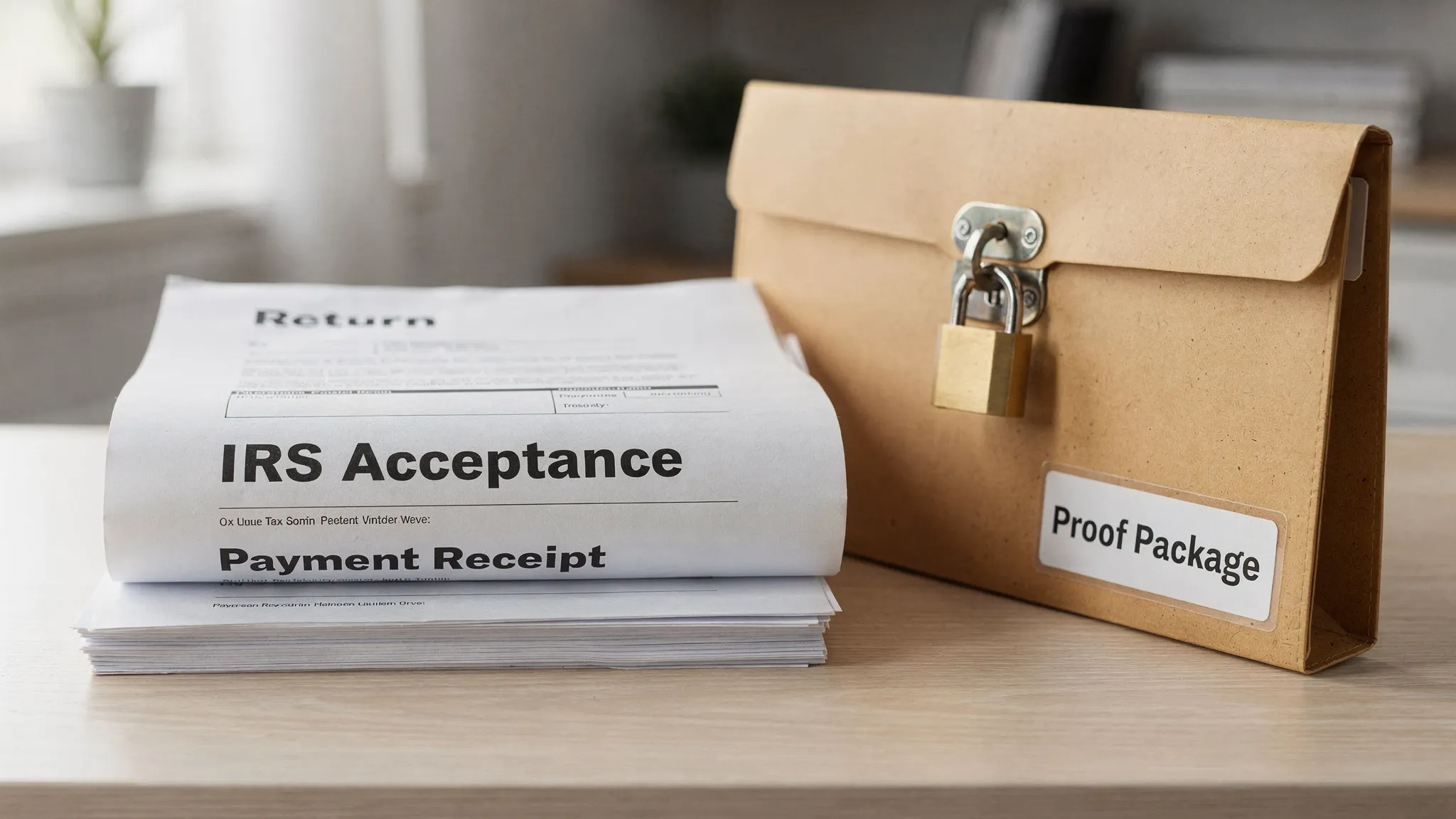
Final checklist: the outcome you want after filing online
Whether you are filing a personal return or a business excise return, the goal is the same: a complete, audit-ready record.
After you file U.S. taxes online, you should be able to answer “yes” to all of the following:
- You filed the correct form for the tax you owe.
- You filed by the correct deadline (including any weekend/holiday rules).
- You received an acceptance acknowledgment (not just a submission screen).
- You made payment through the correct channel and saved payment confirmation.
- You archived the return and the source support so you can defend the numbers later.
If your online filing need includes Form 720, amendments (720-X), or excise claims (8849), you can start here: File Form 720 online with eFileExcise720.