Nontaxable Use of Fuel
Nontaxable Use of Fuel
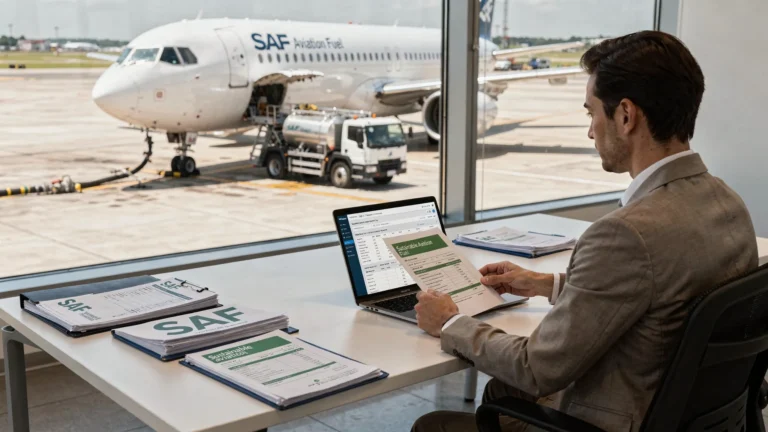
Sustainable aviation fuel credits have pushed many aviation businesses to tighten gallon tracking and user documentation. If federal excise tax was charged on aviation fuel or kerosene but the fuel was later used in an exempt way you may qualify for a credit or refund. This service page explains how to report nontaxable fuel use and shows how to file quickly using eFileExcise720.
- IRS authorized e-filing no download
- Free account and guided entry
- Supports credits amendments and refund claims
- Secure data protection plus support
When aviation fuel can be treated as nontaxable
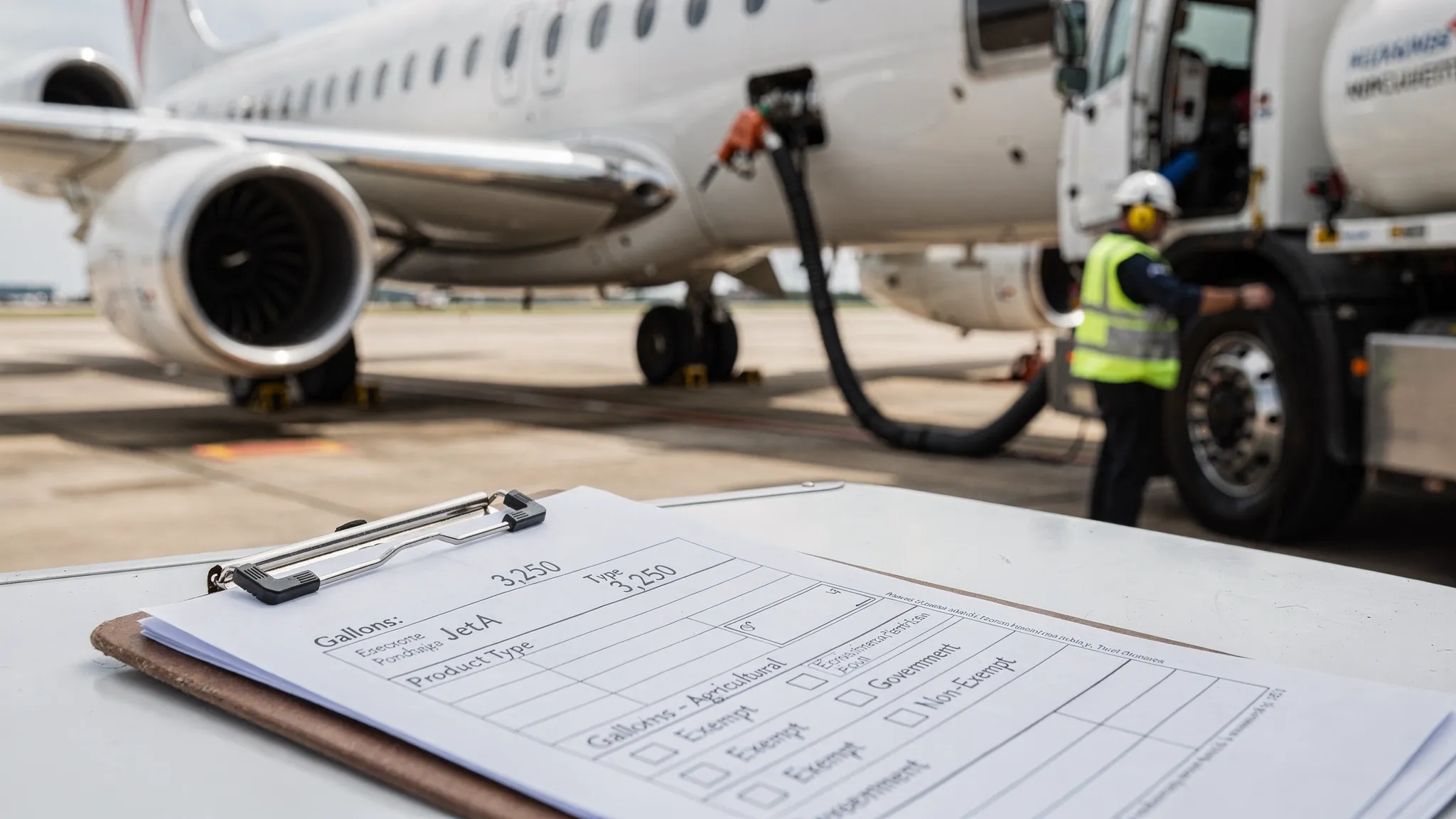
Federal fuel excise tax rules look at the tax point and the final use. Even in a SAF supply chain a taxable removal or sale can occur. Relief generally comes later through credits or refunds when the use qualifies.
What matters most:
- The use of the fuel at the time it was consumed
- Who paid the tax and who bore the cost
- Proof that connects gallons to an exempt activity
- The phrase Nontaxable Use of Fuel IRS often refers to these credit rules
Qualified uses must meet IRS rules. Documents control approval.
Sustainable aviation fuel credit scenarios that may also involve excise tax relief
SAF credits focus on cleaner fuel values but you still must review excise tax treatment.
Review these common triggers:
- You sold fuel to a buyer that presented a valid exemption certificate then tax was still charged
- Fuel was bought for taxable use but was later used in an exempt operation creating a Fuel tax exemption position
- The terminal removal or sale was treated as taxable due to a misunderstanding of the tax point
- Fuel was exported or lost and you need to correct the tax paid
- Your records support a Fuel excise tax exemption claim for a specific end use such as qualified governmental use
- You need a Fuel tax refund claim because the tax was paid in error or paid twice
SAF documentation can help because it improves traceability. Blend statements batch IDs and delivery tickets make it easier to show what gallons went where.
What you should gather before starting your claim
For each quarter build a simple file that you can hand to your preparer or upload for review. Most delays come from missing proof of payment or missing proof of exempt use.
Use this list:
- Invoices that show gallons and the excise tax amount
- Delivery tickets terminal statements or rack receipts when available
- Exemption certificates or purchase orders for exempt buyers
- Flight logs dispatch reports or operational notes that show exempt activity
- SAF records used for sustainable aviation fuel credits such as blend statements and chain of custody notes
- A reconciliation report that ties inventory movements to sales and issues
| Document | Best use |
|---|---|
| Tax paid invoice | Shows the tax base for a credit |
| Exempt use proof | Supports the exemption position |
| Gallon summary | Keeps the quarter consistent |
How to claim credits or refunds
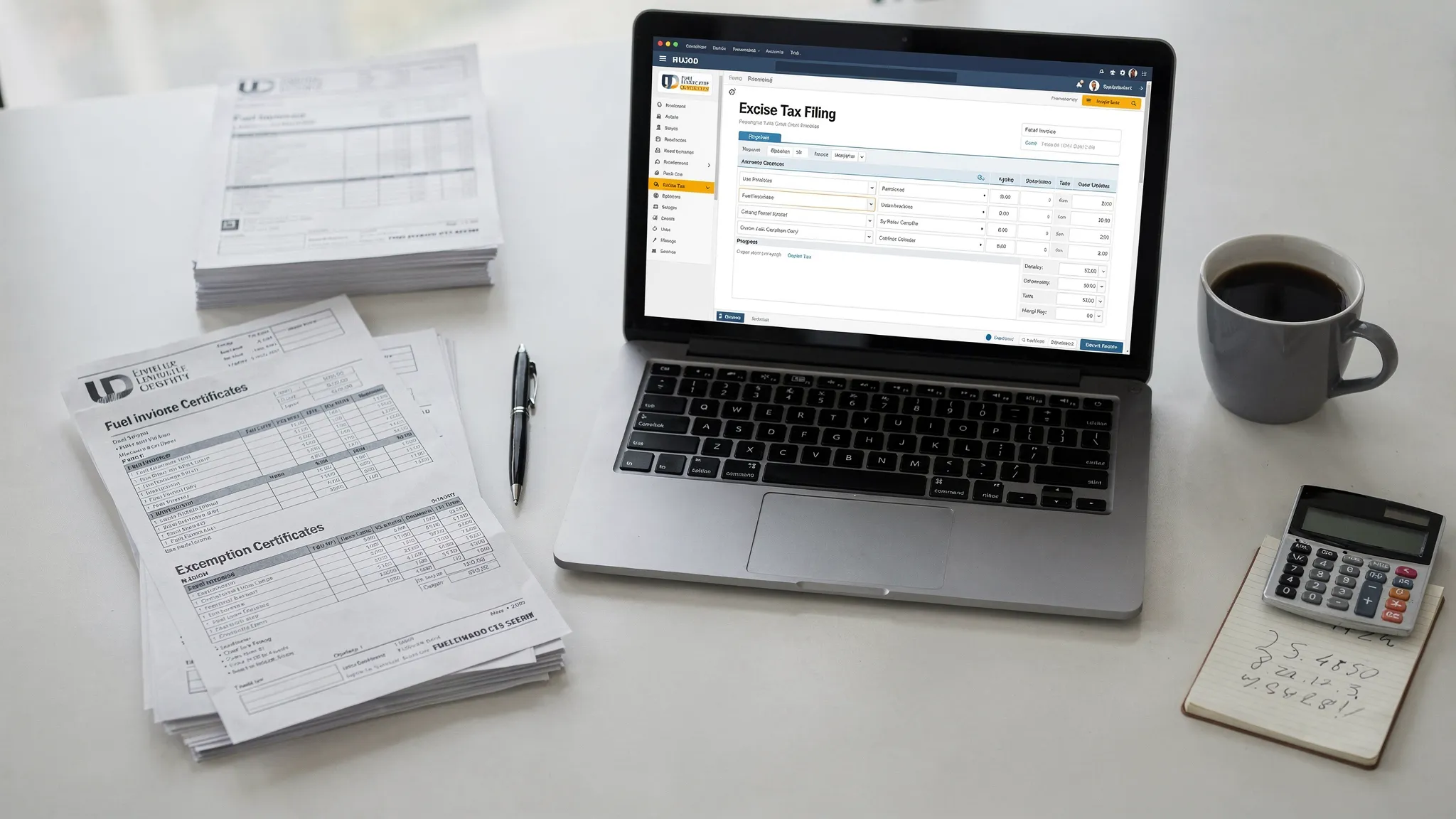
The IRS allows different claim paths. The right choice depends on whether you are offsetting current quarter liability or requesting cash back.
Main paths:
- Claim a credit on the quarterly return to reduce what you owe
- Claim a refund when you do not have enough liability to absorb the credit
Where you file:
- Use form 720 to report quarterly fuel liability plus eligible credits
- Use the 8849 form for many refund claims tied to nontaxable uses
Filing tips that prevent problems:
- Match gallons to the quarter when the fuel was used
- Keep taxable gallons separate from exempt gallons in your logs
- Double check EIN name and address against IRS records
- Save your support package for at least as long as your retention policy requires
If you need to correct a prior quarter you may have to file an amendment. eFileExcise720 supports Form 720-X filings and related refund claims but your documents still drive approval.
Why eFileExcise720 is a practical choice for SAF focused filers
This is a transactional service for businesses that want to file accurately without complex software installs. The platform is built for federal excise reporting and helps you move from spreadsheets to an accepted submission.
Key benefits:
- Simple dashboard navigation for quarter selection and category selection
- Supports all fuel related categories and credit entries
- Built in checks that reduce common IRS reject errors
- Secure transmission and storage practices
- Personalized customer support for filing questions
If your team or agency onboards new fuel clients each quarter a clean intake process helps. Using a single link document request tool such as Connexify client onboarding software can standardize how invoices certificates and SAF files are collected.
For cost planning search our site for Form 720 Pricing before you begin.
Frequently Asked Questions
Does SAF automatically qualify as nontaxable fuel? No. SAF can still be subject to excise tax. Nontaxable treatment depends on the qualified use and proof.
Who can claim the credit or refund? Often the party that paid the tax and can prove the exempt use. In some cases the ultimate user claims the benefit.
Can I file a refund if I have no current excise tax due? Yes. Many filers use Form 8849 claims when they are not offsetting liability on the quarterly return.
What records are most important for the IRS? Proof of tax paid proof of exempt use and a gallon summary that ties to the quarter.
How fast can I complete an online filing? If your documents are ready many businesses finish in one session and receive e-file confirmation quickly.
Get started
If you believe excise tax was paid on fuel that qualifies for exempt use you can file online today. Create your account enter your gallons attach your support details then submit your Nontaxable Use of Fuel claim through eFileExcise720.
- Start a free account
- Select your quarter
- Complete fuel entries and credits
- E-file and save confirmation