
Simple Filing for Form 720: A Step-by-Step Walkthrough
Filing IRS Form 720 can feel complicated because it covers many different excise taxes and industries, and the form layout is not designed for “quick and easy.” The good news is that simple filing is achievable when you follow a repeatable process: confirm what you owe, match it to the right IRS tax codes, and submit with clean documentation.
This walkthrough breaks Form 720 into clear steps so you can file confidently, avoid rejections, and keep your quarterly compliance routine stress-free.
Before you start: confirm what you’re filing and when it’s due
What Form 720 is (and what it is not)
Form 720 is the IRS’s Quarterly Federal Excise Tax Return. Businesses file it to report and pay certain federal excise taxes such as fuel-related taxes, air transportation and communications taxes, environmental taxes, manufacturers taxes, foreign insurance taxes, and the PCORI fee (reported annually on the second quarter Form 720).
For the most current overview and references, start with the IRS’s Form 720 hub and instructions:
Make sure you’re using the right quarter
Form 720 is filed quarterly on fixed due dates. If a due date falls on a weekend or legal holiday, it generally moves to the next business day (the IRS addresses this in official instructions).
| Form 720 quarter | Covers transactions in | Due date (typical) |
|---|---|---|
| Q1 | Jan, Feb, Mar | April 30 |
| Q2 | Apr, May, Jun | July 31 |
| Q3 | Jul, Aug, Sep | October 31 |
| Q4 | Oct, Nov, Dec | January 31 |
If you are unsure about timing rules, deposits, or special situations (like a final return), the IRS instructions are the best source of truth.
Gather the right inputs first (this is where “simple filing” really happens)
Most Form 720 problems happen before anyone types into a form, usually because the filer is missing a report, using the wrong IRS tax number, or mixing up taxable activity dates.
Here’s a practical “inputs map” you can use to collect what you need based on your excise tax category.
| If you report this on Form 720 | Common records you’ll typically need | What you’re validating |
|---|---|---|
| Fuel-related excise taxes | Fuel purchase/sales reports, bills of lading, terminal reports, inventory movement summaries | Product type, gallons, taxable event date, exceptions |
| Air transportation / communications taxes | Sales summaries from billing systems, passenger ticket reports, telecom billing extracts | Taxable charges, exclusions, reporting period |
| Environmental taxes | Production/import records, invoices, product classification support | Taxable chemical or substance determination |
| PCORI fee (filed with Q2 Form 720) | Average covered lives calculation support, plan year dates, plan documentation | Correct plan year, method used, covered lives |
| Credits or adjustments | Prior return details, credit eligibility support, deposit documentation | Right credit type, correct reporting location |
You will also want your basic business information ready (EIN, legal name, address, signer details) and a clear decision on whether this is a regular quarterly filing or a correction.
A step-by-step walkthrough for filing Form 720 simply
The steps below are designed to reduce rework. Even if you plan to e-file, you will file faster when you treat Form 720 like a structured reconciliation, not like data entry.
1) Identify the excise tax categories you actually owe
Form 720 supports many tax categories, but most filers only use a small subset. Your goal is to isolate the taxable activities that occurred during the quarter (or, for PCORI, during the applicable plan year but reported on the second quarter filing).
If you are not sure which excise taxes apply, the IRS Form 720 instructions include the definitions, tax rates, and IRS tax numbers.
2) Match each taxable activity to the correct IRS tax number
Form 720 uses IRS “tax numbers” (sometimes called “IRS numbers” in the instructions) to route your liability to the proper excise tax. This is where many errors occur.
Keep it simple:
- Use the IRS instructions to confirm the tax number for each activity.
- If you have multiple taxable activities, keep them separated instead of blending them into one line item.
3) Calculate your liability carefully (rate x units, or percentage x amount)
Excise taxes are commonly calculated either:
- Per-unit (for example, per gallon), or
- Ad valorem (a percentage of a sales amount)
Use your internal reports to reconcile totals for the quarter, then compute the tax for each applicable line. If you are working from multiple systems (ERP, POS, carrier invoices, benefits administrator reports), reconcile them before filing so you are not troubleshooting during submission.
4) Handle deposits and Schedule A (only if it applies to you)
Some Form 720 liabilities require deposits during the quarter, and Schedule A is used to report certain excise tax liabilities by semi-monthly period.
Not every filer will complete Schedule A. The cleanest approach is:
- Confirm in the IRS instructions whether your specific taxes require deposits.
- If you made deposits, pull your EFTPS or payment confirmation details and reconcile them to your liability.
For payment system details, the IRS’s EFTPS resource is here: Electronic Federal Tax Payment System (EFTPS).
5) Apply credits and adjustments only when you can support them
Credits and adjustments can be valid and valuable, but they are also a frequent source of mistakes because they rely on eligibility rules and documentation.
A “simple filing” mindset here means:
- Claim only what you can document.
- Keep support tied to the quarter and the specific tax type.
If what you’re trying to do is a refund claim rather than a return adjustment, you may need Form 8849 (more on that below).
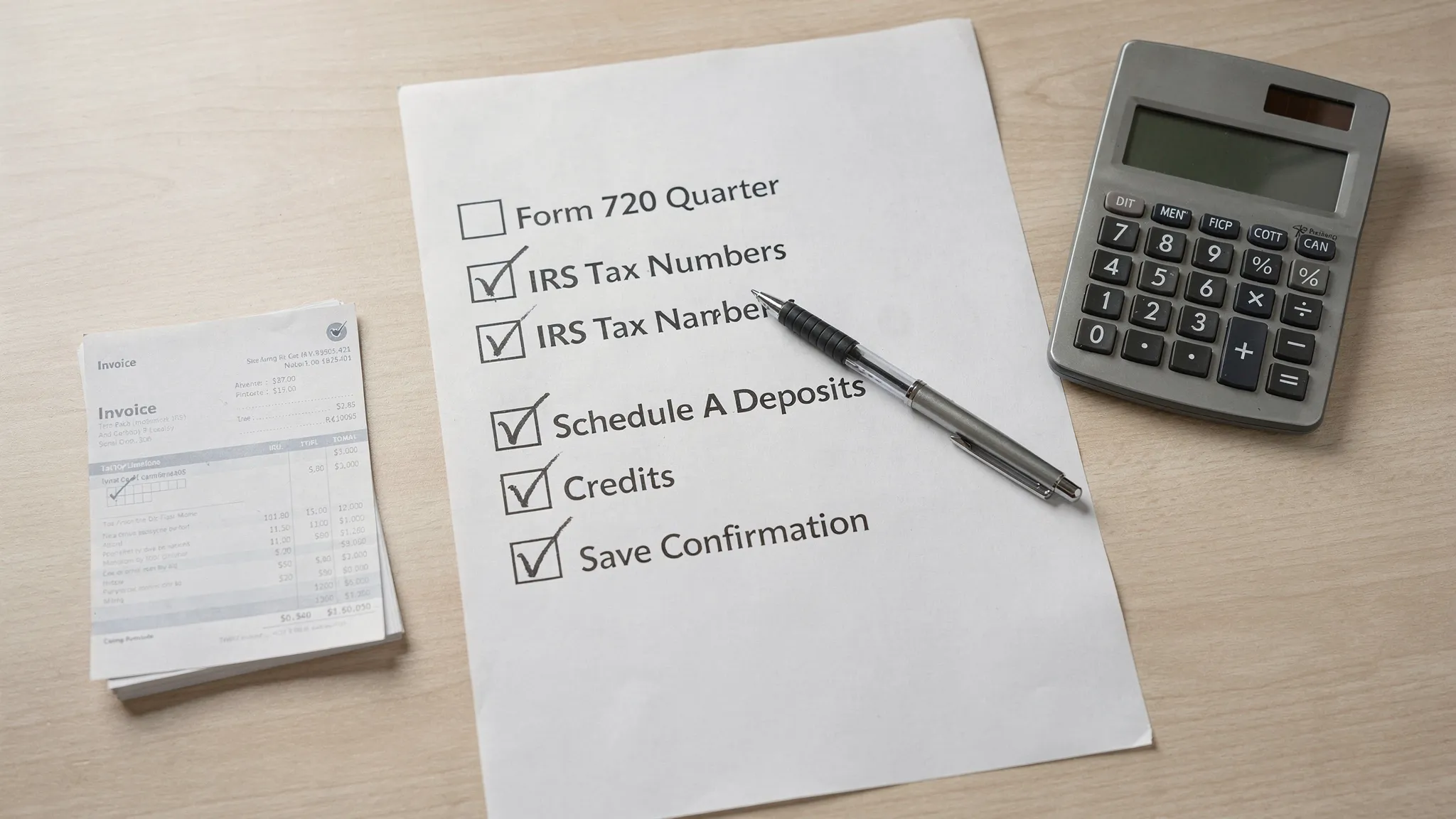
6) Review for common “preventable” issues
Before you submit, do a short quality review. In practice, these are the checks that most often save time:
- The quarter and tax period are correct.
- EIN, legal name, and address match IRS records.
- Each taxable activity is mapped to the correct IRS tax number.
- Units and amounts agree to your source reports.
- Deposits (if any) reconcile to payments made.
7) Submit (and pay) using the method that fits your compliance needs
You can file Form 720 by mail or electronically. If your priority is speed, confirmation, and fewer process delays, e-filing is often preferred because you can receive acknowledgement that your submission was accepted.
If you want a deeper comparison, this overview may help: E-file IRS Form 720 or mail it?
8) Save proof of filing and build your “next quarter” folder
After you file, create a folder that includes:
- A copy of the return you submitted
- Your acceptance acknowledgement (if e-filed)
- Payment confirmations (EFTPS or other IRS payment records)
- Your workpapers: reports used, reconciliations, and any credit support
This makes the next quarter’s filing simpler because you are not reconstructing your trail under time pressure.
How e-filing can make Form 720 simpler (without adding complexity)
If your goal is simple filing for Form 720, the best e-file experience is one that minimizes friction: no downloads, straightforward navigation, and access to help when a form field or category is unclear.
eFileExcise720 positions itself as an IRS-authorized e-filing portal for Form 720 and related excise filings. Based on the platform overview provided, it offers:
- IRS-authorized e-filing
- Free account creation
- No software download required
- Secure data protection
- Personalized customer support
- Support for all Form 720 categories
- Support for Form 720 amendments (Form 720-X)
- Support for Form 8849 claims
If you want to start the process online, you can visit the platform here: eFileExcise720.
When you should file Form 720-X or Form 8849 instead
A common point of confusion is whether you should fix a problem on Form 720 or use a different form.
Use Form 720-X when you need to amend a previously filed Form 720
If you filed a quarter and later discover an error (for example, incorrect tax amounts or misreported categories), the IRS generally expects corrections using the appropriate amendment process.
Use Form 8849 when you are making a claim for refund of excise tax
Form 8849 is used for certain excise tax refund claims and has multiple schedules depending on the type of claim.
If refund claims are part of your excise workflow, this overview is a useful reference point: Form 8849 refund claim information.
A practical “keep it simple” routine for every quarter
Once you’ve filed one clean quarter, the easiest way to keep Form 720 simple is to standardize your internal process:
- Lock your data cut-off dates for the quarter and label reports consistently.
- Maintain a list of the IRS tax numbers you use and the source report that supports each one.
- Reconcile deposits and payments monthly (not just at quarter-end) if deposits apply to your taxes.
- Store filing confirmations and workpapers in a single place so audits, amendments, and refund claims are less disruptive.
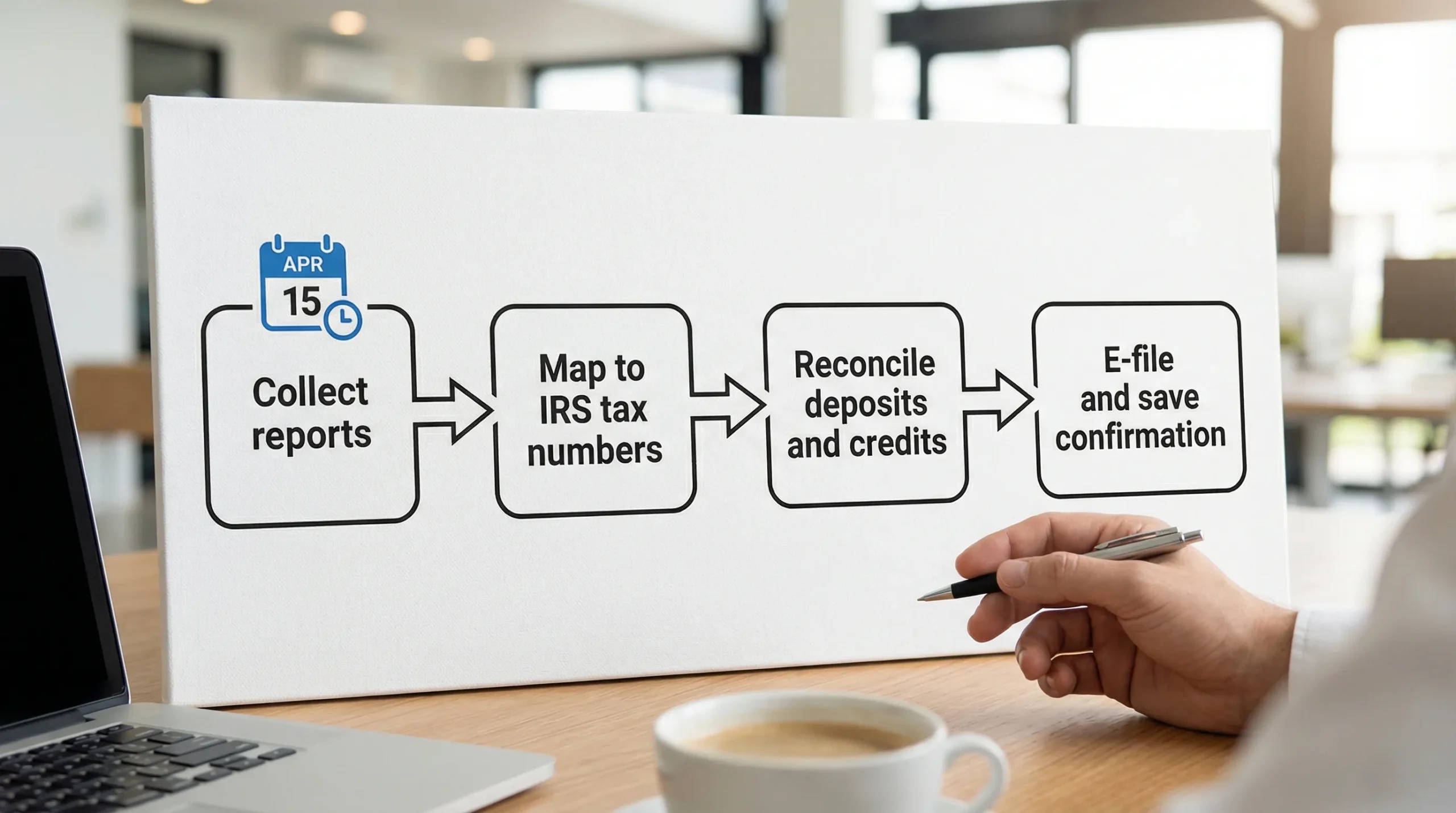
If you want to avoid last-minute scrambling, use the quarter-end close as your trigger: reconcile first, file second, and submit only after your numbers tie out.
File Form 720 online with fewer steps
If you’re aiming for simple filing, using an IRS-authorized e-file provider can help you move from “figuring out the form” to “submitting a clean return with confirmation.” To file online, create your account and follow the guided process at eFileExcise720.