
Online Tax Online: Common Search Traps and Safer Alternatives
Typing a vague query like “online tax online” into Google can feel like the fastest path to filing. In reality, it is one of the easiest ways to land on the wrong page, pay unnecessary fees, or share sensitive business details with a site that is not connected to the IRS.
This guide breaks down the most common search traps people hit when they are trying to file taxes online (especially business excise filings), and the safer alternatives that reduce risk and help you get to the correct form and filing method the first time.
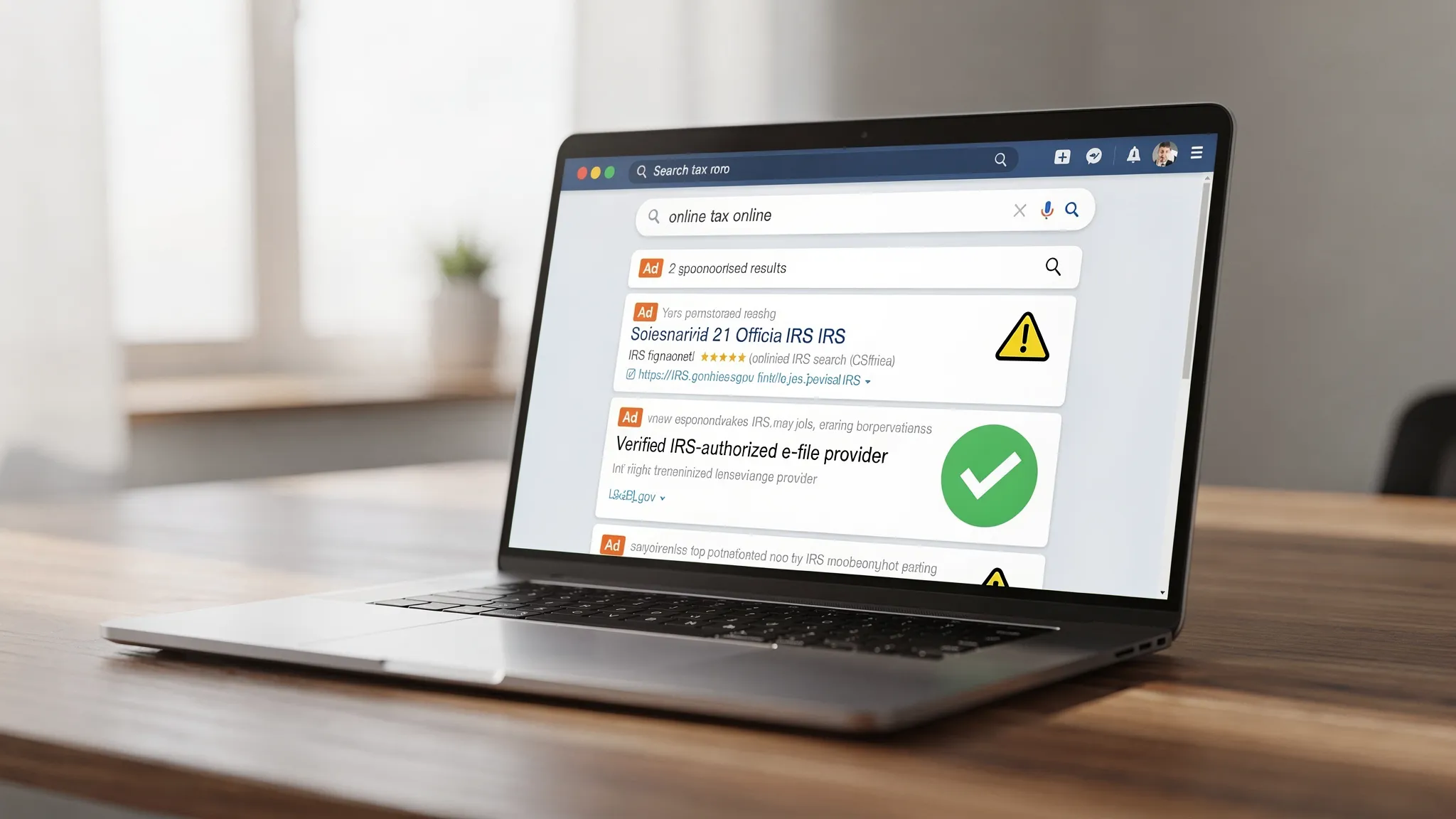
Why “online tax online” search results are risky
Search engines are not filing portals. They are advertising marketplaces. When you search broad phrases, you are likely to see:
- Ads that look like regular results (and can lead to high-fee or misleading services)
- Look-alike domains designed to resemble government or brand names
- Pages optimized for clicks, not accuracy, that funnel you into the wrong form
For business filers, one extra complication makes this worse: many people who owe a federal excise tax are not trying to file an annual income tax return. They are trying to file a quarterly excise return like IRS Form 720, or file a refund claim using Form 8849. If you start with a generic search, you can easily end up reading instructions for the wrong tax, the wrong year, or the wrong filing channel.
Common search traps (and what to do instead)
The safest approach is not “click the top result.” It is “verify the filing path.” Here are the most common traps and the safer alternative for each.
| Search trap | What it looks like in the real world | Why it is risky | Safer alternative |
|---|---|---|---|
| Look-alike “IRS” sites | Domains that include “irs” or “refund” but are not IRS.gov | You may share EIN, address, officer info, or payment details with a third party | Start at IRS.gov and navigate to the official topic or form instructions |
| “Free filing” bait | “File instantly for free” headlines that later require upgrades | Hidden fees, upsells, or paying for features you do not need | Confirm pricing before creating an account, and ensure the provider is legitimate |
| Wrong form funnel | Pages that treat all taxes as a 1040-style return | You waste time and can miss deadlines for excise filings | Confirm whether you need Form 720, 720-X, or 8849 before filing |
| Fake urgency | “Final notice” popups, countdown timers, or aggressive chat prompts | Pressure tactics are a common sign of low-trust services | Use sites with clear support channels and transparent guidance |
| Payment redirection | “Pay your taxes here” buttons that do not point to IRS payment systems | Fraud risk and misapplied payments | Use official IRS payment tools or recognized payment methods (for excise, EFTPS is common) |
| Outdated instructions | Blog posts without dates, or screenshots that do not match current forms | You may follow the wrong year’s rules | Use current IRS instructions and current-year filing guidance |
The two-step safety rule before you enter tax information
Before you type an EIN, business address, or excise liability into any website, do these two checks:
1) Confirm you are on a trusted domain
- For official IRS information, use pages on IRS.gov.
- If you are using a third-party e-file service, confirm it is a real business site (not a look-alike domain) and it uses HTTPS.
A good starting point for general e-file guidance is the IRS e-file options page: IRS e-file options.
2) Confirm the provider is actually IRS-authorized (when authorization matters)
For business filings, “online” does not automatically mean “recognized by the IRS.” Look for clear statements of authorization and a filing process that results in an IRS acknowledgment.
You can also cross-check providers using the IRS directory: IRS Authorized e-file Providers.
“Online tax” is not one thing: match the search to the tax type
A major reason people fall into search traps is that the phrase “online tax” can mean very different tasks:
- Filing an individual income tax return (Form 1040)
- Paying a balance due
- Filing payroll returns
- Filing federal excise taxes (Form 720)
- Correcting prior excise filings (Form 720-X)
- Claiming excise refunds (Form 8849)
If you are a business with excise obligations, you generally want to avoid general-purpose “tax filing” results and focus on Form 720 specific guidance.
If you are not sure what Form 720 covers, this overview is a solid starting point: Understanding Form 720 and how to file it.
Safer alternatives for filing and paying excise taxes online
Alternative 1: Use IRS.gov for the official rules, then file through an IRS-authorized e-file provider
A practical, low-risk workflow looks like this:
- Use IRS.gov to confirm what must be reported, and which form applies
- Prepare the data you need (tax category, quarter, totals, supporting schedules)
- File through an IRS-authorized e-file provider that supports Form 720 and related filings
If your goal is specifically to file Form 720 online, an IRS-authorized excise-focused portal like eFileExcise720 can help you submit without downloading software, and with support available if you get stuck.
Alternative 2: Verify the deadline first, then choose the fastest filing method
Scammy pages often use urgency to push you into rushed decisions. Real compliance starts with the calendar.
For Form 720, due dates are quarterly. If you are close to a deadline, e-filing usually reduces the risk of “it was mailed but not received” issues. Here are two helpful references:
Alternative 3: Use the correct IRS payment channel (and avoid payment “middlemen”)
Excise tax payments are often made through the Electronic Federal Tax Payment System. If a random site tries to “collect payment” on your behalf without clear tax context, treat that as a red flag.
For official payment setup and details, use: EFTPS (Official site).
Quick checklist: how to vet an “online tax” site in under 2 minutes
Use this table as a fast screening tool when you are staring at search results.
| What to check | Good sign | Red flag |
|---|---|---|
| Domain and branding | Clear company identity, consistent domain, HTTPS | Look-alike names, weird subdomains, typos |
| Authorization claims | States IRS-authorized (and you can verify it) | Vague claims like “IRS approved” with no way to confirm |
| Pricing | Transparent pricing before you commit | “Free” that turns into required upgrades late |
| Support | Reachable support with real answers | Only a chatbot that pushes you to pay |
| Data practices | Clear privacy/security statements | No privacy policy, or requests for unusual info |
| Filing outcome | Mentions IRS acceptance/acknowledgment | No mention of what happens after you click submit |
If you are filing Form 720 specifically: avoid these “wrong path” mistakes
Search traps do not always lead to fraud. Sometimes they lead to the wrong compliance path. For Form 720 filers, these are common:
Mistake 1: Confusing Form 720 with Form 8849
Form 720 is for reporting and paying quarterly excise taxes. Form 8849 is generally for claiming refunds/credits of excise taxes (often fuel-related), depending on your situation.
If you are unsure which applies, this comparison helps: Form 720 vs Form 8849: what’s the difference?.
And if you already know you need a refund claim, see: About Form 8849 refund claims.
Mistake 2: Ignoring penalties and interest while you “keep researching”
When people get stuck in search loops, the most expensive outcome is often not the filing fee. It is missing the deadline.
If you are already late (or worried you might be), review: Form 720 penalties and interest.
Mistake 3: Filing without a defensible record trail
Even when a site is legitimate, “online filing” does not replace recordkeeping. You still need a clean trail for how you calculated your liability and which lines/schedules you used.
As a simple rule: if you could not explain your numbers to someone else on your team next quarter, you probably need stronger documentation now.
A safer way to search when you must use Google
Sometimes you are on a phone, in a rush, and you have to search. If so, tighten your query so you do not invite vague, high-ad results.
Instead of “online tax online,” search for:
- “IRS Form 720 e-file authorized provider”
- “Form 720 quarterly excise tax e-file”
- “Form 8849 claim for refund excise tax e-file”
And if you click an ad, slow down and verify the domain before entering any data.
Frequently Asked Questions
Is it safe to search “online tax online” and click the first result? It can be risky. Broad tax searches often trigger ads and look-alike sites. A safer approach is starting from IRS.gov, then using an IRS-authorized provider for the specific form you need.
How can I verify if a tax site is IRS-authorized? Check whether the provider is listed in the IRS directory of authorized e-file providers: IRS Authorized e-file Providers.
Can I file Form 720 directly on IRS.gov? IRS.gov provides official information and forms, but most businesses that e-file do so through authorized e-file providers rather than directly through a public IRS upload page.
What if I already entered my EIN or tax details on a suspicious site? Stop immediately, do not provide payment details, and document what you shared. Consider updating account passwords you reused elsewhere, and monitor business accounts for unusual activity. For tax-specific next steps, you may also consult a trusted tax professional.
How do I know whether I need Form 720, Form 720-X, or Form 8849? Form 720 is the quarterly excise return, Form 720-X is used to amend a previously filed Form 720, and Form 8849 is used to claim certain excise refunds/credits. If you need a quick comparison, see: Form 720 vs Form 8849.
File Form 720 online with an IRS-authorized provider
If your search for “online tax online” is really about filing federal excise taxes, the safest next step is to stop browsing generic tax links and move to a purpose-built, IRS-authorized filing portal.
With eFileExcise720, you can create a free account, file Form 720 online without downloading software, and get customer support when you have questions. The platform supports all Form 720 categories and also helps with Form 720 amendments (720-X) and Form 8849 claims when those apply.
When you are ready, start here: File your Form 720 online.