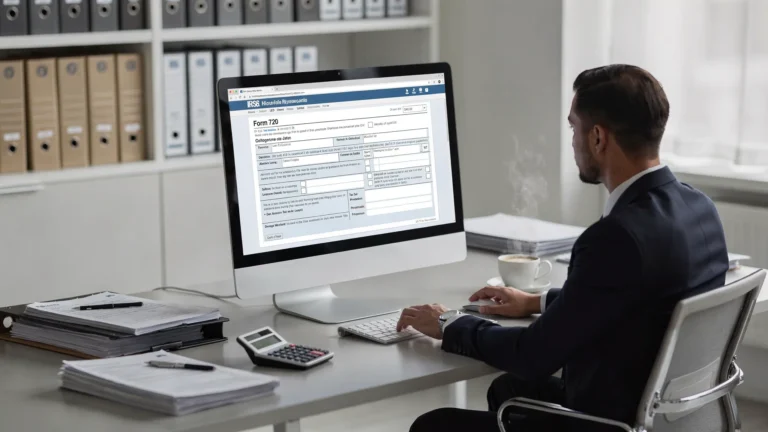
Online Filing for Taxes: What You Need Before You Start
Online filing is now the default expectation for many taxpayers and businesses because it is faster to submit, easier to track, and less likely to get delayed by missing fields or unreadable handwriting. Still, most “online filing” problems happen before you ever log in: missing IDs, mismatched legal names, incomplete source records, or not knowing how you will pay.
This guide covers what you should gather and confirm before you start online filing for taxes, especially if your business files specialized returns like IRS Form 720 (Quarterly Federal Excise Tax Return).
1) Confirm what “taxes” you are filing (and for which period)
The first step is clarity. “Online filing for taxes” can mean very different things, and the documents you need depend on the return type.
Common categories include:
- Income taxes (individual or business annual returns)
- Payroll taxes (typically recurring filings and deposits)
- Excise taxes (often quarterly, and often industry specific)
If you file federal excise taxes, you may be dealing with one (or more) of these IRS forms:
- Form 720 for reporting and paying many federal excise tax liabilities.
- Form 720-X to amend a previously filed Form 720.
- Form 8849 to claim refunds of certain excise taxes (often fuel related), when eligible.
If you are unsure which return applies, start with the official IRS materials for your form (for Form 720, see the IRS Form 720 page and the latest instructions).
2) Get your taxpayer and business identity details ready
Online filing systems validate identity fields closely. The most common preventable issue is a mismatch between what you enter and what the IRS already has on file.
Have these details ready:
- EIN or SSN (most businesses filing Form 720 will use an EIN)
- Legal name exactly as registered with the IRS
- Trade name or DBA, if applicable (do not substitute this for the legal name unless the form asks for it)
- Business address currently on file
- Responsible party details (for some accounts and authorizations)
- Contact information for filing follow-up (email, phone)
If your business recently changed its name or address, confirm the change is reflected appropriately before you file. Mismatches can increase the chance of an e-file reject or correspondence delays.
3) Gather your source records (and make them audit-ready)
Online filing is only as accurate as the records behind it. Before you start entering numbers, collect and reconcile the documentation that supports your tax calculation.
For many excise tax filers, that means organizing items like:
- Invoices and transaction reports that support taxable sales or services
- Operational logs (for example, fuel removals, deliveries, usage summaries, inventory movements)
- Customer exemption documentation, if exemptions apply
- Prior-quarter workpapers and any carryforward calculations
- Credit or refund support, including proof tax was paid and proof of eligible use (when claiming)
For federal excise taxes, record retention rules can be longer than what teams expect. The IRS discusses excise tax recordkeeping in IRS Publication 510, including the general expectation to keep certain excise tax records for multiple years.

4) Know your payment plan before you hit “Submit”
Online filing is not the same thing as online payment, and payment logistics can be a last-minute source of stress.
Before you begin, decide:
- How you will pay (many federal tax payments are made through EFTPS)
- Whether you have deposit requirements (some taxpayers have scheduled deposits rather than paying only with the return)
- Who is authorized to initiate payments within your organization
- What internal approvals are required (especially for higher-dollar quarters)
If your return type has deposit rules, plan for them early. For Form 720 filers in particular, payment timing and deposit obligations depend on the type and size of liability, so it is worth confirming the current IRS guidance for your tax category.
5) Check what “online filing” method you will use
There are two practical questions here:
- Does your return type support online filing?
- If yes, do you need an IRS-authorized provider?
Some forms can be e-filed directly through consumer tax software, while others (including many excise tax filings) are typically submitted through IRS-authorized e-file providers.
If you are filing Form 720, using an IRS-authorized e-filing portal can reduce friction because the platform is built specifically for excise tax workflows, schedules, and common line items.
A quick way to vet a provider
Before creating an account anywhere, confirm:
- The provider is IRS-authorized for the return you need.
- The platform supports the specific form and schedules you will file (for excise tax, “supports Form 720” should include the categories you actually report).
- You can reach real support if you receive an e-file reject or need to amend.
6) Prepare the “supporting” details that cause rejects
Even when your numbers are correct, e-file submissions can be rejected for technical or validation reasons. These are the checks worth doing before data entry:
- Tax period accuracy (make sure the quarter and year are correct)
- Name control consistency (legal name spelling, punctuation, spacing)
- EIN accuracy (one transposed digit can cause a reject)
- Correct form selection (original vs amended return)
- Correct mapping to lines and schedules (common when the same team handles multiple excise categories)
If you are correcting a previously filed return, confirm whether the right path is:
- An amendment (Form 720-X), or
- A refund claim (Form 8849), depending on the reason for the change.
For a clear explanation of the difference between reporting and claiming, see: Form 720 vs Form 8849.
7) Use a pre-filing checklist (before you log in)
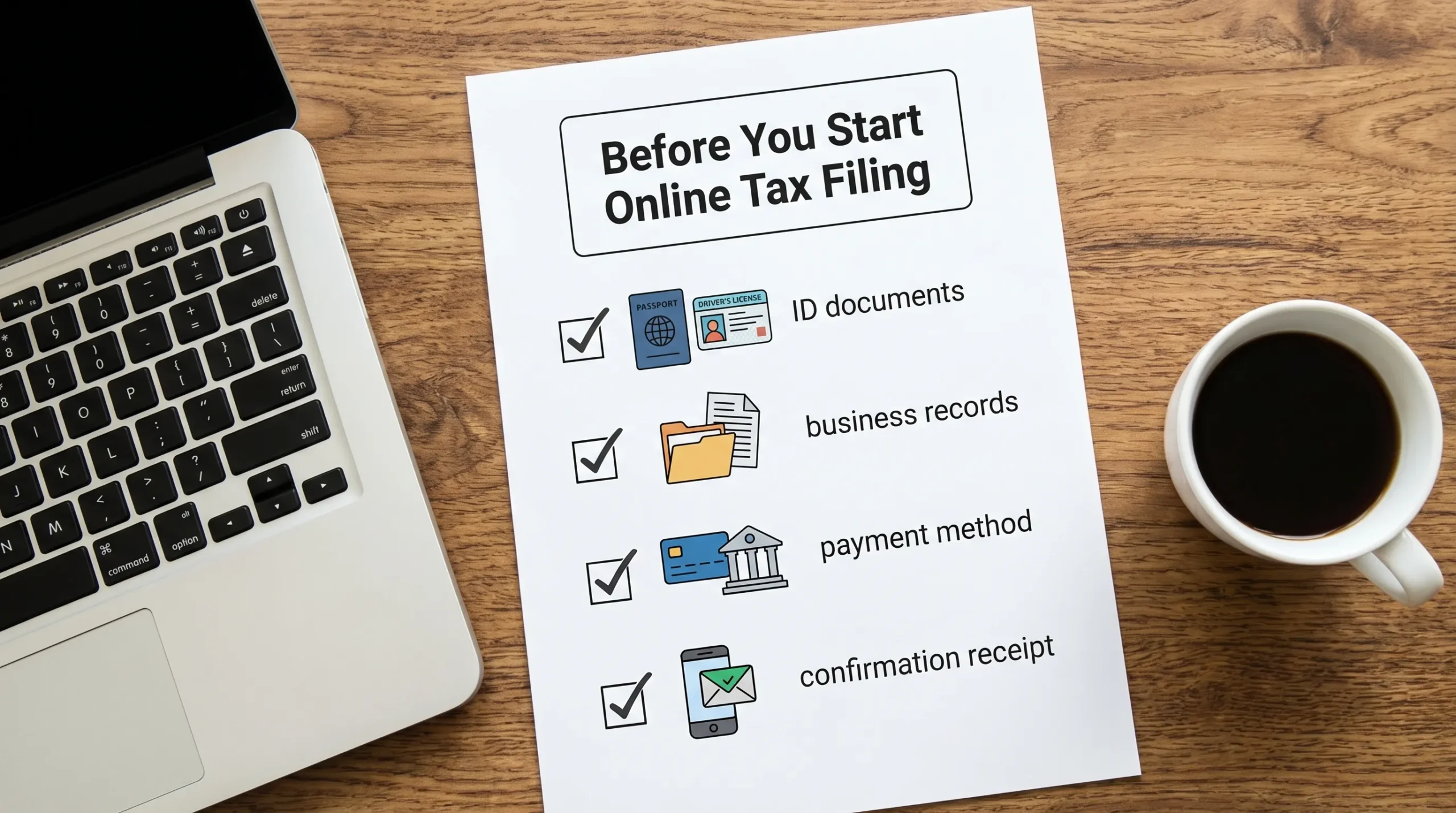
Here is a simple “desk-ready” checklist you can use regardless of which system you file through.
| What you need before you start | Why it matters for online filing | Examples of where to find it |
|---|---|---|
| Taxpayer ID and legal name | Prevents identity mismatch rejects | IRS EIN assignment letter, prior return header |
| Correct tax period | Ensures the return posts to the right quarter/year | Compliance calendar, prior-quarter filings |
| Source records and reconciliations | Supports accurate calculations and reduces rework | Invoices, operational reports, accounting exports |
| Prior return copy (if applicable) | Helps validate carryforwards and corrections | Your records, prior e-file confirmation |
| Payment method plan | Avoids last-minute payment delays | EFTPS enrollment, internal treasury process |
| Authorized signer info | Needed to transmit and certify the return | Internal corporate authorization, officer details |
| Proof documents for credits/claims (if applicable) | Prevents weak claims and IRS follow-up | Exemption certificates, usage logs, supporting receipts |
8) Plan how you will store confirmations and support
Online filing usually produces two important artifacts:
- A submission confirmation (from the platform)
- An IRS acknowledgment (accepted or rejected)
Save both, along with:
- A PDF copy of the filed return
- Any schedules or attachments submitted
- The workpapers used to compute the liability
This is especially important for excise tax filers, where documentation often spans operational systems, not just the general ledger.
9) If you file Form 720, consider category complexity upfront
Form 720 can be straightforward for a single, stable liability. It can also become complex quickly when a business has multiple excise categories, multiple locations, or both reporting and claim activity in the same year.
If any of these apply, it is smart to build in extra prep time:
- You report more than one excise category in a quarter.
- You expect to amend (Form 720-X) due to late data or corrected source records.
- You plan to submit refund claims (Form 8849) and need documentation to support eligibility.
A specialized platform can help keep these workflows organized so you do not have to force an excise filing into a general-purpose tax process.
Frequently Asked Questions
What do I need for online filing for taxes? At a minimum, you need your taxpayer ID (EIN or SSN), legal name and address, the correct tax period, and the source records supporting your numbers. Many filings also require a payment plan (for example EFTPS) and an authorized signer.
Do I need to download software to file taxes online? Not always. Many online filing options are web-based. For example, eFileExcise720 is a browser-based platform, so there is no software download needed.
What if my online tax return gets rejected? An IRS e-file reject usually means a validation issue (like a mismatch in EIN, legal name, or tax period) or a form logic problem. Correct the reject reason and retransmit as soon as possible, especially if you are near a deadline.
Can I file an amended excise tax return online? In many cases, yes, excise tax amendments can be handled electronically using Form 720-X, depending on the provider and IRS rules for that form. Always confirm you are using the correct correction method (amendment vs refund claim).
How long should I keep records after filing excise taxes? Excise tax recordkeeping expectations can differ from income tax norms. Review the IRS guidance for your tax type, including IRS Publication 510, and keep both filing confirmations and supporting documents.
File Form 720 online with an IRS-authorized provider
If your “online filing for taxes” includes Form 720 federal excise taxes, you can file through eFileExcise720, an IRS-authorized e-filing portal built for excise tax reporting.
You can create a free account, file with no software downloads, and get personalized customer support. The platform supports all Form 720 categories, plus Form 720-X amendments and Form 8849 claims when you need to correct or recover excise taxes.
Get started here: e-file your Form 720 online.