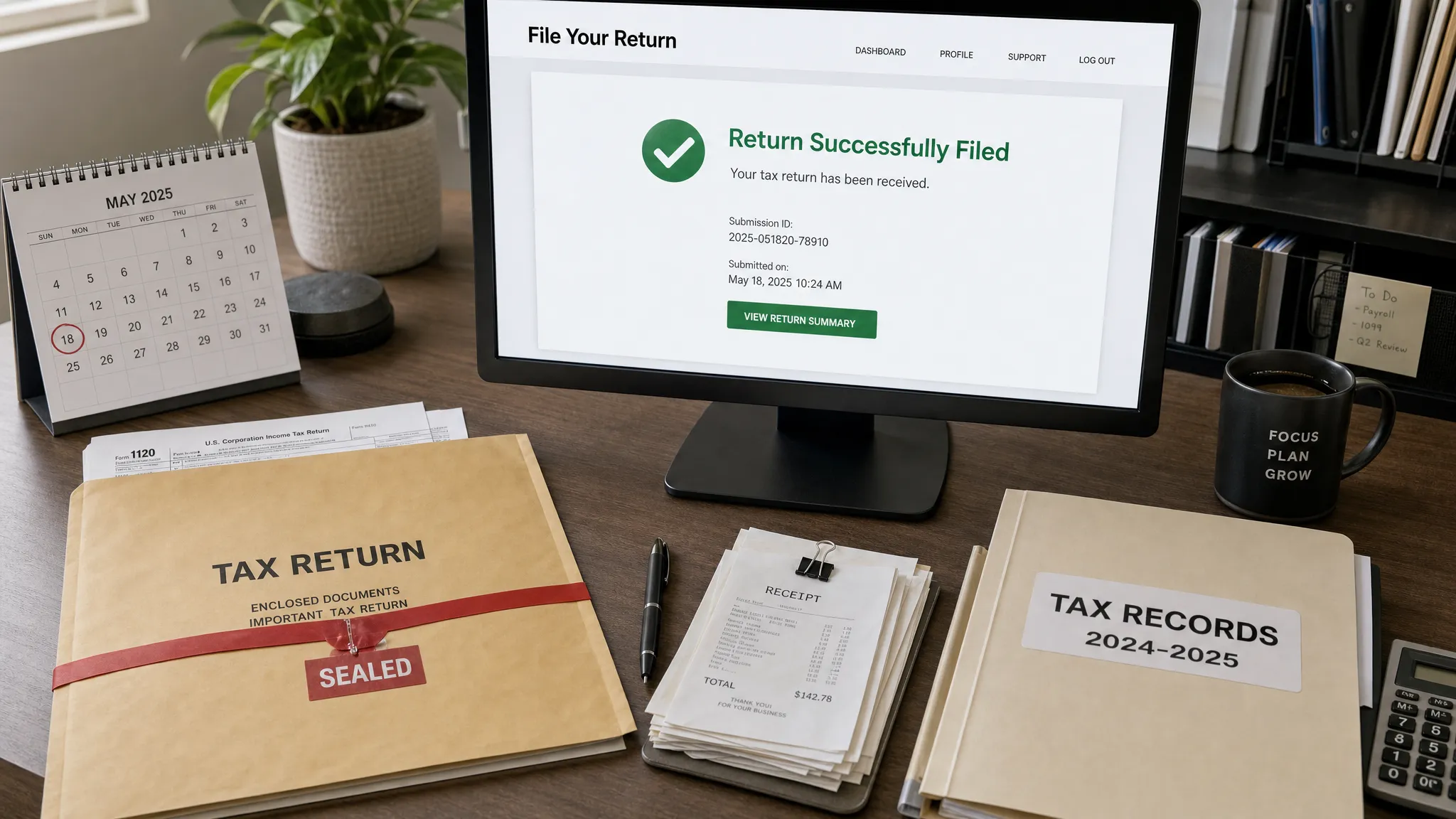
Can You Change Your Tax Filing From Paper to Online? Here’s What You Need to Know
If you printed a tax return, filled it out by hand, or even put it in an envelope, you may still be able to move to online filing. The key question is simple: has the paper return already been filed with the IRS?
For 2026, many businesses are moving away from paper because online filing is faster, easier to track, and less vulnerable to mailing delays. But switching from paper to e-file is not always as simple as submitting the same return again electronically. If you file twice, the IRS may reject the duplicate return or create processing confusion.
This guide explains when you can change your tax filing from paper to online, what to do if you already mailed the return, and how this applies to Form 720, Form 720-X, and the 8849 form for federal excise tax filers.
Short answer: yes, if the paper return has not already been filed
You can usually switch from paper to online if you prepared a paper return but did not mail it or otherwise submit it. In that case, the paper version is just a draft. You can use an IRS-authorized e-file provider, enter the same information online, review the return, and submit it electronically.
However, if you already mailed the paper return to the IRS, you generally should not e-file the same original return again. A second original filing may be treated as a duplicate. Instead, keep proof of mailing, monitor the status where possible, and use the correct amendment or claim process if something needs to be changed.
| Your situation | Can you switch to online? | Best next step |
|---|---|---|
| You printed a return but did not mail it | Yes | File the original return online |
| You completed a paper return but found an error before mailing | Yes | Correct the details and e-file |
| You already mailed the paper return | Usually no | Do not file a duplicate original return |
| The IRS returned the paper return as unprocessable | Possibly | Follow the IRS notice instructions |
| You need to correct a filed Form 720 | Not as a duplicate | Use Form 720-X or another proper correction method |
| You need an eligible excise tax refund | Not always | Review whether Form 8849 applies |
Why businesses are switching from paper to online in 2026
Paper filing can still be allowed for some tax forms, but it creates more friction. You have to print the return, sign it, mail it to the correct IRS address, keep proof of mailing, and wait longer for processing. If a page is missing or a line is unclear, the issue may not be discovered until much later.
Online filing helps reduce those risks. The IRS notes that e-file options can help taxpayers transmit returns electronically and receive acknowledgments more efficiently. For business filers, especially those handling quarterly excise tax obligations, that confirmation matters.
If you are searching for “tax filing online free,” it is important to separate account setup from filing fees. Some platforms, including eFileExcise720, offer free account creation, but an actual e-filing service may have costs depending on the return and service selected. Always review the filing details before submission.
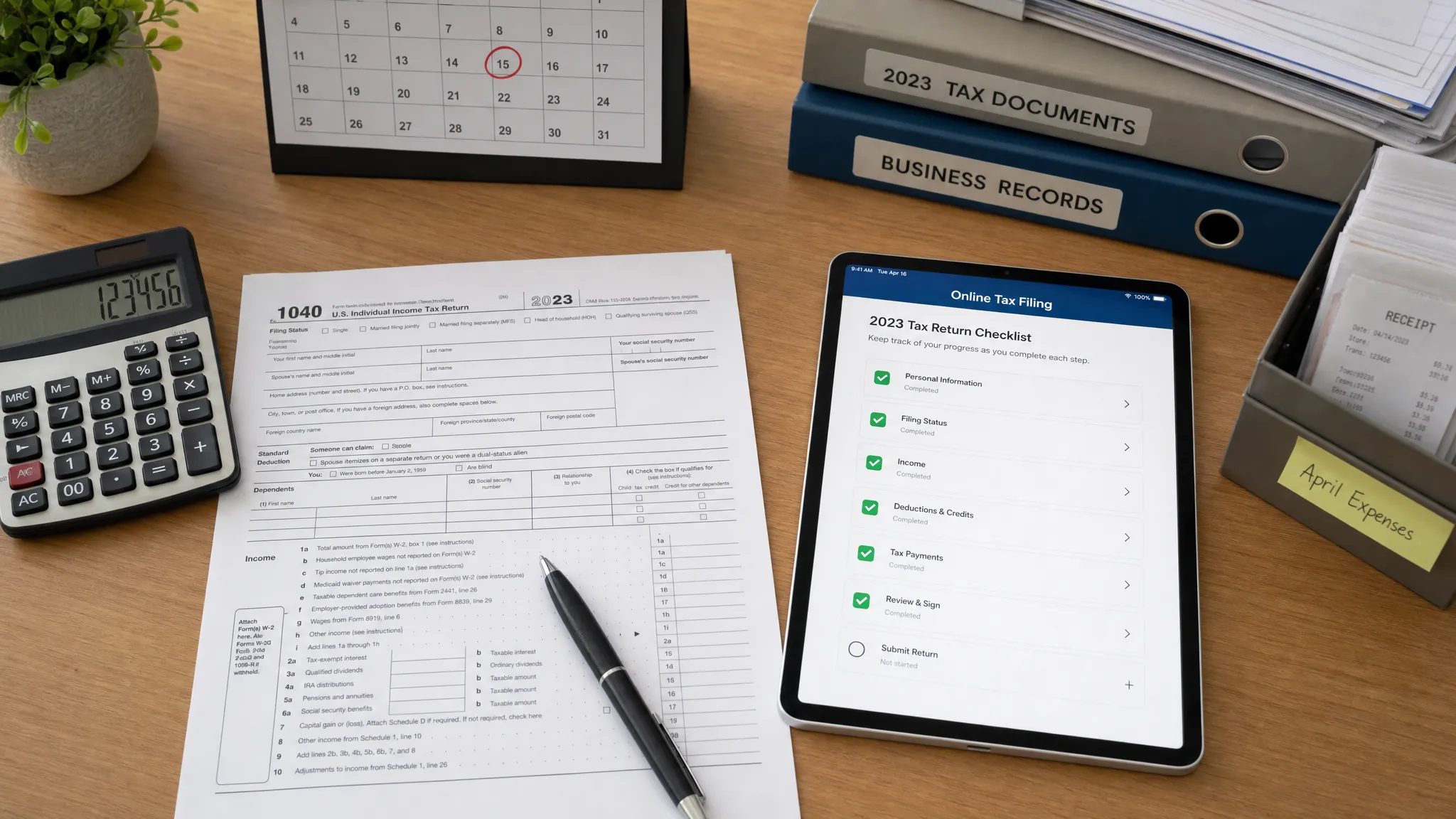
How this applies to Form 720 excise tax filing
IRS Form 720, the Quarterly Federal Excise Tax Return, is used to report many federal excise taxes, including fuel-related taxes, environmental taxes, communications taxes, air transportation taxes, indoor tanning tax, and the PCORI fee. Because it is filed quarterly, businesses have multiple opportunities each year to improve their process.
If you previously filed Form 720 by mail, you can choose to file future quarters online. If you prepared the current quarter’s Form 720 on paper but have not mailed it, you can switch and file Form 720 online with eFileExcise720, an IRS-authorized e-filing portal.
Before submitting, gather your EIN, business name, tax period, excise tax categories, liability amounts, deposit records, and any supporting schedules. If you need a broader walkthrough, this Form 720 filing process guide explains how to prepare the return from start to finish.
Step-by-step: how to move from paper to online
Switching is straightforward when the paper return has not been submitted. Use this process before the filing deadline:
- Confirm the paper return was not mailed: If it was already sent, do not e-file the same original return without professional guidance.
- Review the tax period: Make sure you are filing for the correct Form 720 quarter, such as Q1, Q2, Q3, or Q4.
- Create your online account: With eFileExcise720, you can create an account without downloading software.
- Enter the return details carefully: Match your excise tax category, IRS number, taxable units, rates, and liability amounts.
- Check payment separately: Filing Form 720 and paying excise taxes are related, but not the same process. Many federal tax deposits are made through EFTPS.
- Submit and save confirmation: Keep your e-file acknowledgment, payment records, and source documents with your tax files.
For a quarter-specific preparation list, use the Form 720 e-filing checklist for 2026 before you submit.
What if you already mailed the return?
If you already mailed a paper return, avoid filing the same return again online just to “speed things up.” A duplicate filing can create confusion, delays, or IRS correspondence. Instead, keep your certified mail receipt or other mailing proof and wait for IRS processing.
If the paper return contained an error, the next step depends on the type of tax form and the correction needed. For excise tax filers, a correction to a previously filed Form 720 may require Form 720-X. If the issue involves an eligible refund or credit claim, the 8849 form may be more appropriate.
The difference matters. Form 720 reports excise tax liability. Form 720-X adjusts certain previously reported liabilities. Form 8849 is generally used to claim refunds for certain excise taxes. For a practical comparison, review Form 720 vs Form 8849. You can also read this guide on whether an amended return can be e-filed.
Form 720 deadlines still matter when you switch
Changing from paper to online does not change your due date. Form 720 is generally due on the last day of the month following the end of the quarter:
| Quarter | Period covered | Standard due date |
|---|---|---|
| Q1 | January 1 to March 31 | April 30 |
| Q2 | April 1 to June 30 | July 31 |
| Q3 | July 1 to September 30 | October 31 |
| Q4 | October 1 to December 31 | January 31 of the following year |
If a due date falls on a weekend or federal holiday, the deadline usually moves to the next business day. Late filing, late payment, and deposit issues can result in penalties and interest. For more detail, see this guide to Form 720 penalties and interest.
When online filing is the better choice
Online filing is especially helpful if your business files Form 720 repeatedly, handles multiple excise tax categories, or wants better proof of submission. It can also help teams standardize quarterly compliance instead of rebuilding the process every time.
eFileExcise720 supports online filing for Form 720 categories, Form 720 amendments, and Form 8849 claims support. The platform also offers secure data handling, simple dashboard navigation, and personalized customer support for businesses that want a more guided filing experience.
Frequently Asked Questions
Can I e-file a tax return after mailing the paper version? In most cases, you should not e-file the same original return after mailing it. That may create a duplicate filing. If the mailed return needs correction, use the proper amendment or claim process.
Can I switch to online filing if I only printed the return? Yes. If the paper return was only prepared or printed but not submitted, you can usually file the original return online instead.
Can I change a paper Form 720 filing to online filing for future quarters? Yes. Even if you mailed prior quarters, you can generally e-file future Form 720 returns through an IRS-authorized provider.
Does e-filing Form 720 automatically pay the tax? No. Filing and payment are separate. Many excise tax payments or deposits are made through EFTPS, so confirm your payment requirements before the deadline.
Should I use Form 720-X or the 8849 form? Use Form 720-X for certain adjustments to a previously filed Form 720. Use Form 8849 for eligible excise tax refund claims. The correct form depends on the reason for the change.
Where can I get help with Form 720 questions? You can review the eFileExcise720 Form 720 FAQs or use the platform’s customer support when preparing your online filing.
Ready to move your Form 720 filing online?
If your paper return has not been mailed, switching to online filing can save time and give you clearer confirmation of submission. Start with eFileExcise720 to prepare and submit Form 720 through an IRS-authorized e-filing portal, with support for amendments and Form 8849 claims when your excise tax situation requires it.