Schedule A Deposit Mistakes: How to Reconcile Your Deposits With Form 720
Schedule A deposit mistakes can make an otherwise accurate excise tax return look underpaid, late or inconsistent. If your business makes semi-monthly deposits, the goal is simple: tie each EFTPS payment to the right IRS number, tax period and liability before you file IRS Form 720 online. This guide explains how to reconcile deposits with Form 720 and what to do when the numbers do not match.
In short, Schedule A reconciliation means comparing your actual federal tax deposits against the semi-monthly tax liability reported with Form 720, Quarterly Federal Excise Tax Return. If the deposit date, amount, IRS number or period is off, the IRS may assess a balance due, request an explanation or apply a failure-to-deposit penalty.
What Is Schedule A on Form 720?
Schedule A is the part of Form 720 used to report semi-monthly tax liability for certain excise taxes. Instead of only reporting one quarterly total, Schedule A breaks the liability into specific semi-monthly periods so the IRS can compare what you owed during each period with what you deposited.
Schedule A does not replace Form 720. It supports the quarterly return by showing when liability arose. For example, a business may report total excise tax on Form 720, but Schedule A explains how that total was distributed across the first half and second half of each month in the quarter.
Schedule A deposit mistakes on Form 720 typically happen when taxpayers treat deposits as one quarterly lump sum, even though the IRS is reviewing timing and liability by period. A correct quarter-end total may still trigger a notice if the semi-monthly periods do not line up.
How Does Schedule A Work With Form 720?
Form 720 reports federal excise taxes for categories such as environmental taxes, communications taxes, fuel taxes, air transportation taxes, foreign insurance taxes and other taxable activities. Schedule A is used when the tax category requires semi-monthly liability reporting.
For any Form 720 filing involving deposits, three records should agree: your internal excise tax worksheet, your EFTPS deposit history and the liability shown on Schedule A. If one record uses a different period or tax category code, the IRS may not connect the payment to the liability you intended to cover.
The official Form 720 instructions are the best source for current IRS numbers, tax categories and deposit rules. Many taxpayers also search for IRS Form 720 instructions 2026, Form 720 PDF, IRS Form 720 (Rev June 2026) or When will the new Form 720 be available. Use those searches as a starting point, but always verify the current version directly before filing.
What Are Form 720 Schedule A Deposit Requirements?
Form 720 Schedule A deposit mistakes often begin with a misunderstanding of when deposits are required. In general, many Part I excise taxes must be deposited semi-monthly if the quarterly net tax liability is more than $2,500. If the total Part I net tax liability for the quarter is $2,500 or less, the taxpayer generally pays with the return instead of making semi-monthly deposits.
Deposits are normally made through EFTPS. Timing matters because payments scheduled after the EFTPS cutoff may count on the next business day, which can shift the deposit into the wrong period.
| Deposit issue | What to verify | Why it matters |
|---|---|---|
| Deposit threshold | Whether Part I net tax liability exceeds $2,500 for the quarter | Deposits may not be required below the threshold |
| Semi-monthly period | Whether the liability belongs to days 1 to 15 or day 16 through month-end | Schedule A is period-based |
| EFTPS date | Whether the payment was scheduled before the cutoff | Late scheduling can move the effective date |
| IRS number | Whether the payment used the correct excise tax category | A payment under the wrong code may not match the return |
Some taxpayers also rely on a deposit percentage rule, such as depositing at least 90% of the required liability when applicable. Because deposit rules can vary by tax type, use the current IRS instructions for the exact category you report.
Common Schedule A Deposit Mistakes to Avoid
The most frequent errors are not complicated, but they are easy to miss when accounting teams work from separate sales, operations and tax records. A fuel tax team may calculate liability by transaction date, while the person scheduling EFTPS deposits may use invoice date or cash receipt date. That small difference can move liability into the wrong semi-monthly period.
Common issues include:
- Scheduling an EFTPS payment after the 8:00 p.m. Eastern cutoff and assuming it counts for the intended day
- Paying less than the semi-monthly liability requirement for a period
- Using the wrong IRS number or excise tax category in EFTPS
- Making deposits when no deposit is required because the Part I net liability is $2,500 or less
- Reporting quarter totals correctly but assigning liability to the wrong Schedule A period
- Trying to fix a prior quarter by changing current-quarter data
The best way to avoid Schedule A deposit mistakes is to reconcile before filing, not after receiving an IRS notice. Your internal period-by-period liability should be reviewed against EFTPS confirmations before Form 720 is transmitted.
How to Reconcile Schedule A Deposits With Form 720
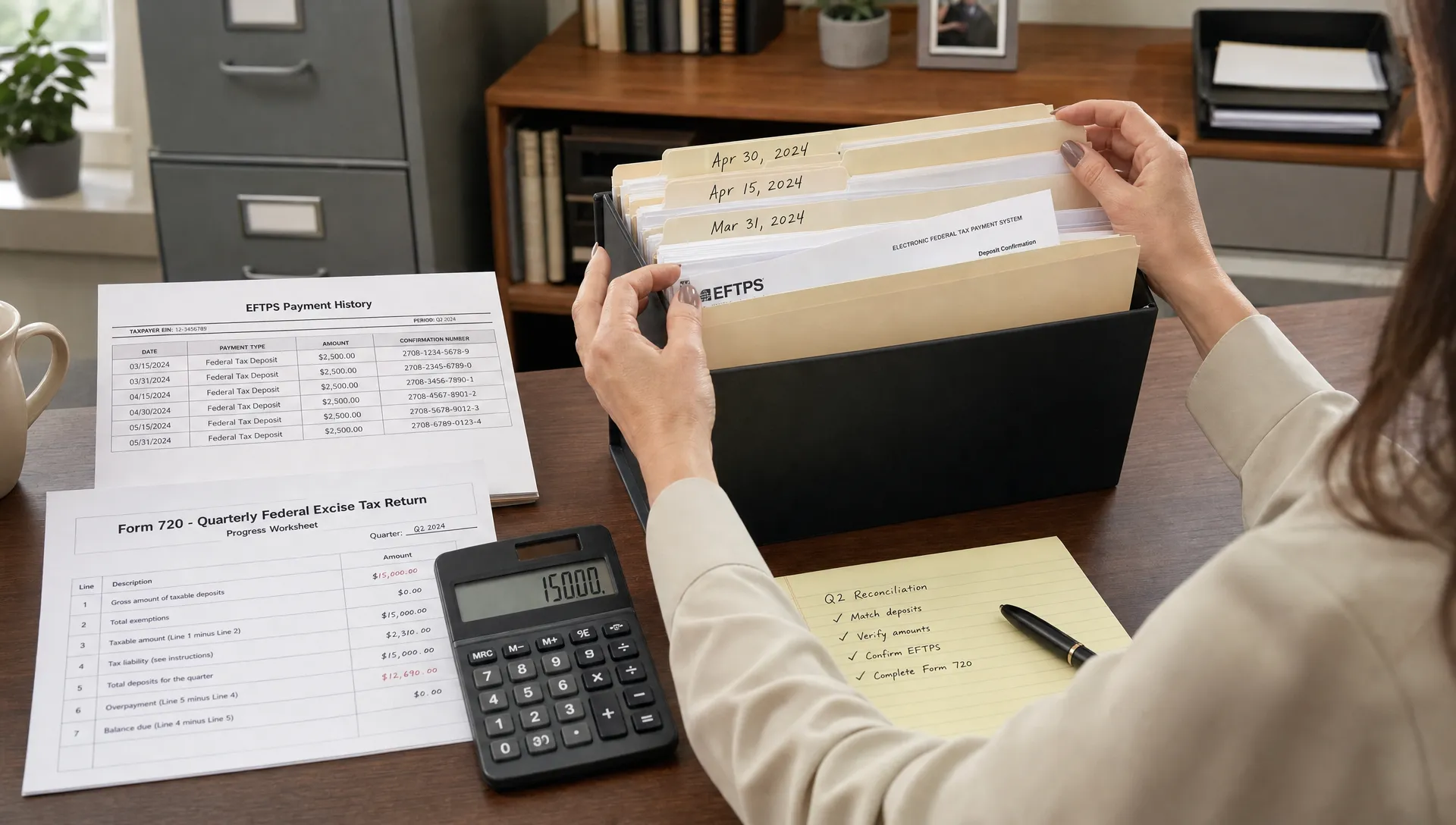
Schedule A deposit mistakes and errors are easier to find when you use a consistent reconciliation workflow. Start with EFTPS confirmations, not bank withdrawals alone. A bank record may show that money left your account, but EFTPS shows the tax form, tax period, payment date and confirmation number connected to the deposit.
A practical reconciliation file should include the following fields:
| Record field | Source | Reconciliation purpose |
|---|---|---|
| EFTPS confirmation number | EFTPS payment history | Proves the deposit was scheduled and accepted |
| Payment date | EFTPS and bank record | Confirms the effective deposit date |
| IRS number or tax category | EFTPS | Matches payment to the correct excise tax line |
| Semi-monthly period | Internal liability schedule | Matches deposit to Schedule A |
| Deposit amount | EFTPS | Compares paid amount against required liability |
| Form 720 line amount | Form 720 workpapers | Confirms the quarterly total agrees with the return |
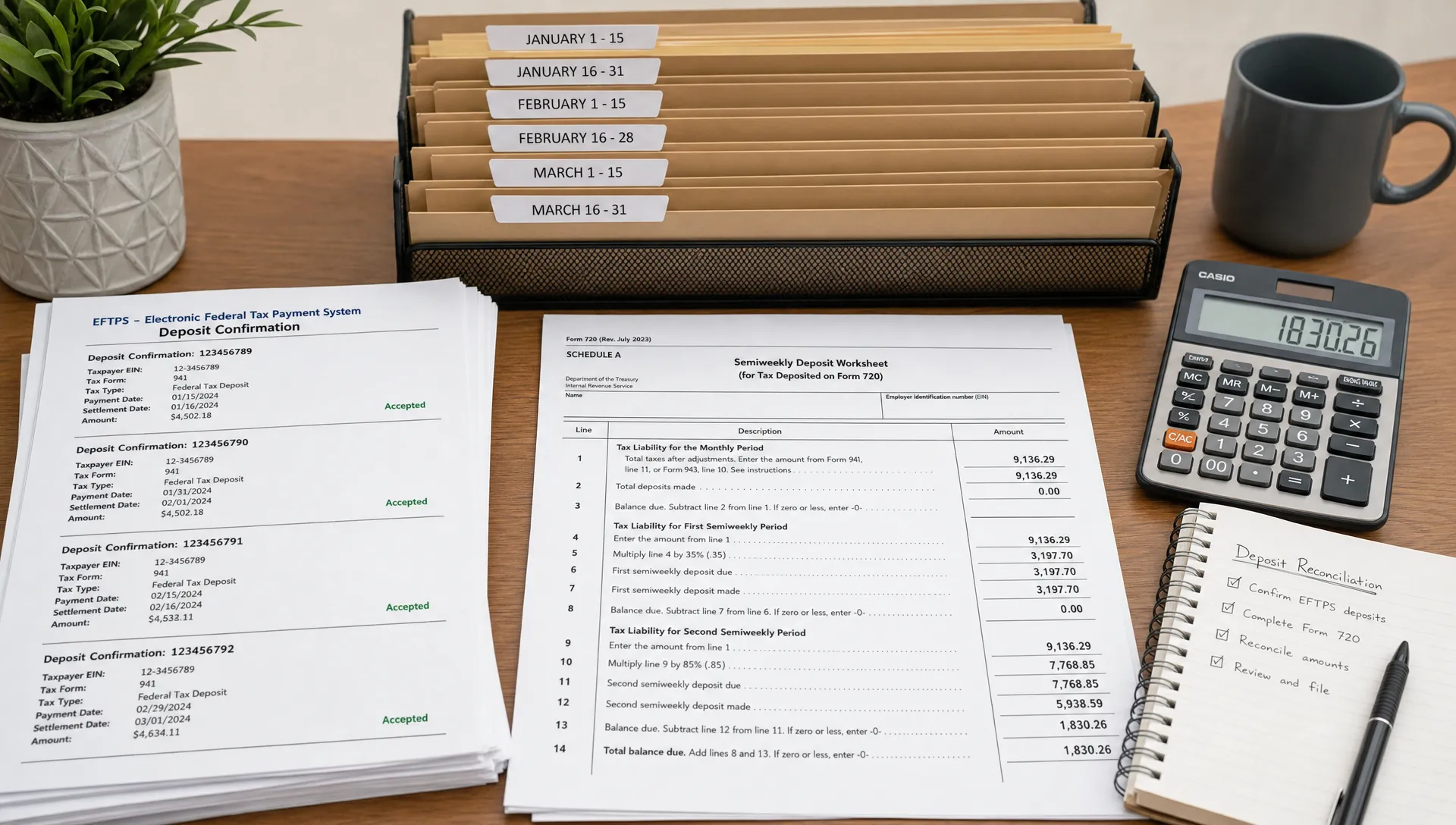
After collecting these records, compare each semi-monthly period separately. Do not only compare the quarter total. A quarter can balance overall while still showing under-deposits in one period and over-deposits in another.
How to Match Tax Deposits With Form 720 Tax Liability
To match tax deposits with Form 720 tax liability, build the reconciliation from the tax category upward. First identify the correct IRS number for the category, then calculate liability for each semi-monthly period, then compare that period’s deposit.
A simple formula works for most reviews:
| Step | Question to answer | Result |
|---|---|---|
| 1 | What excise tax category applies? | Correct IRS number |
| 2 | When did the taxable event occur? | Correct semi-monthly period |
| 3 | What liability was generated in that period? | Required deposit amount |
| 4 | What did EFTPS show for that IRS number and period? | Actual deposit amount |
| 5 | Does the Form 720 total agree with Schedule A and EFTPS? | Reconciled return or variance to investigate |
The most reliable way to fix Form 720 Schedule A deposit mistakes is to isolate the exact variance. For example, a $5,000 mismatch might be one missed deposit, two deposits coded to the wrong IRS number or a liability assigned to the wrong half of the month.
What Happens If Schedule A Deposits Do Not Match Form 720?
If Schedule A and Form 720 do not match your deposits, the IRS may treat the return as underpaid, late-deposited or inconsistently reported. That does not always mean the tax was truly unpaid. Sometimes the issue is coding, timing or a transcription error.
Schedule A deposit mistakes and errors can lead to:
- Failure-to-deposit penalties when required deposits were late or short
- Balance-due notices when the IRS cannot match payments to the reported liability
- Interest on unpaid or late-paid amounts
- Delays in resolving overpayments or refund claims
- Extra correspondence if the wrong IRS number was used
If the IRS sends a notice, compare the notice period, IRS number and amount against your EFTPS confirmations before responding. If the deposit was made on time but coded incorrectly, your response should include the confirmation details and a clear explanation of the mismatch.
How to Correct Schedule A Deposit Errors
Schedule A deposit mistakes correction depends on whether the problem is a deposit issue, a reporting issue or both. If the deposit is short and the period is still open, make the missing payment as soon as possible through EFTPS. If the payment was made but assigned to the wrong category, collect the EFTPS confirmation and contact the IRS using the instructions on the notice.
Do not alter a current Form 720 to quietly correct a prior-quarter liability. If a filed return contains a past transcription, calculation or liability allocation error, use Form 720-X where appropriate. Our guide to Form 720-X instructions explains when an amendment is used and what information is typically needed.
If you are searching for how to fix Schedule A deposit mistakes, begin by writing a short variance explanation. State the tax period, IRS number, original reported amount, corrected amount, deposit confirmation numbers and reason for the correction. For certain overpayment or refund situations, review the available Form 8849 Schedule Types to determine whether a claim process may apply.
How to Keep Accurate Form 720 Deposit Records
Good recordkeeping prevents repeat notices. Keep a separate deposit folder for each quarter, and name files by quarter, IRS number and semi-monthly period. This makes it easier to compare your liability schedule, EFTPS confirmations and filed Form 720 if the IRS asks for support months later.
To support a clean process, keep these records together for each quarter:
- Filed Form 720 and Schedule A copy
- Internal excise tax calculation worksheet
- EFTPS confirmations with payment dates and IRS numbers
- Bank proof of withdrawal
- Credit or adjustment calculations
- IRS notices and responses, if any
A consistent monthly close process is also one of the best answers to how to avoid Schedule A deposit mistakes. Before the quarter ends, review deposits by tax category and period so the filing team is not trying to reconstruct three months of activity on the due date.
If your business is new and still setting up federal tax accounts, you may need an employer identification number before filing. The IRS provides an online option to apply for EIN.
Form 720 Schedule A Reconciliation Checklist
Use this checklist before signing or transmitting Form 720. It is designed to catch the most common mismatches before the IRS does.
| Checklist item | Complete? |
|---|---|
| Confirm the correct Form 720 revision and instructions for the quarter | |
| Verify whether deposits were required based on Part I net tax liability | |
| Match each excise tax category to the correct IRS number | |
| Break liability into the correct semi-monthly periods | |
| Compare each period’s required deposit with EFTPS records | |
| Confirm all EFTPS payments were scheduled before the cutoff | |
| Review deposits by period, not only by quarterly total | |
| Investigate overpayments, underpayments and wrong-code payments | |
| Keep confirmation numbers with the filed return | |
| Use Form 720-X for prior-quarter return corrections when appropriate |
This process reduces Schedule A deposit mistakes by forcing every amount to tie back to a specific tax category, period and payment record. It also creates a clean audit trail if your business receives an IRS notice after filing.
Frequently Asked Questions
What are the payment instructions for form 720? Form 720 deposits are generally made through EFTPS when deposits are required. If your liability does not require deposits, payment may be made with the return according to the current IRS instructions. If you are looking for Where to mail Form 720 with Payment or Where to mail Form 720 without Payment, check the latest IRS instructions because mailing addresses can change and may differ based on whether payment is included.
What happens if I don't file form 720? If you are required to file Form 720 and do not file, the IRS may assess failure-to-file, failure-to-pay or failure-to-deposit penalties, plus interest. The penalty risk increases when deposits were required during the quarter and were not made on time.
Who is responsible for filing form 720? Businesses that are liable for federal excise taxes reported on Form 720 are responsible for filing. This can include companies involved in taxable fuel, communications, air transportation, environmental taxes, foreign insurance or other covered categories. If you are unsure whether your activity is reportable, review what excise tax category applies before the quarter closes.
Is form 720 still required? Yes. Form 720 is still required for taxpayers with reportable federal excise tax liability. The form, schedules and instructions may be revised, so confirm the current version before filing rather than relying on an old saved Form 720 PDF.
Can I electronically file form 720 with the IRS? Yes. Businesses can electronically file Form 720 through an IRS-authorized e-file provider. Filing online can reduce manual entry errors, improve submission tracking and simplify the process of keeping return records together.
How do I know how to fix Schedule A deposit mistakes after filing? Compare the filed Schedule A, EFTPS confirmations and IRS notice if one was issued. If the return itself was wrong, Form 720-X may be needed. If the deposit was coded incorrectly but the return was accurate, gather confirmation numbers and follow the IRS notice instructions.
File Form 720 Online With More Confidence
Reconciling deposits before submission gives your business a cleaner Form 720 filing and fewer surprises after the quarter ends. eFileExcise720 is an IRS-authorized online platform built to help businesses e-file Form 720 securely, with no software download, simple dashboard navigation, support for Form 720 categories and customer support when you need filing assistance.
If you are preparing Form 720 for the current quarter, review your Schedule A deposit records first, then complete your return with accurate liability, deposit and category information.