
Tax Online: Secure Steps to File and Pay Without Risk
Filing and paying taxes online can be the fastest way to stay compliant, but only if you do it securely. Cybercriminals actively target tax payments because a single successful phishing attempt can expose sensitive business identifiers, reroute payments, or create costly filing delays.
This guide walks through practical, low-risk steps for tax online filing and payment, with extra notes for businesses that file IRS Form 720 (Quarterly Federal Excise Tax Return).
What “tax online” actually includes (and where risk shows up)
When people say they want to “pay tax online,” they are often combining several actions:
- Preparing the return (entering figures, selecting the correct form and quarter)
- Submitting the return (e-filing through the IRS or an IRS-authorized provider)
- Paying the tax (authorizing an electronic payment or paying through an IRS payment system)
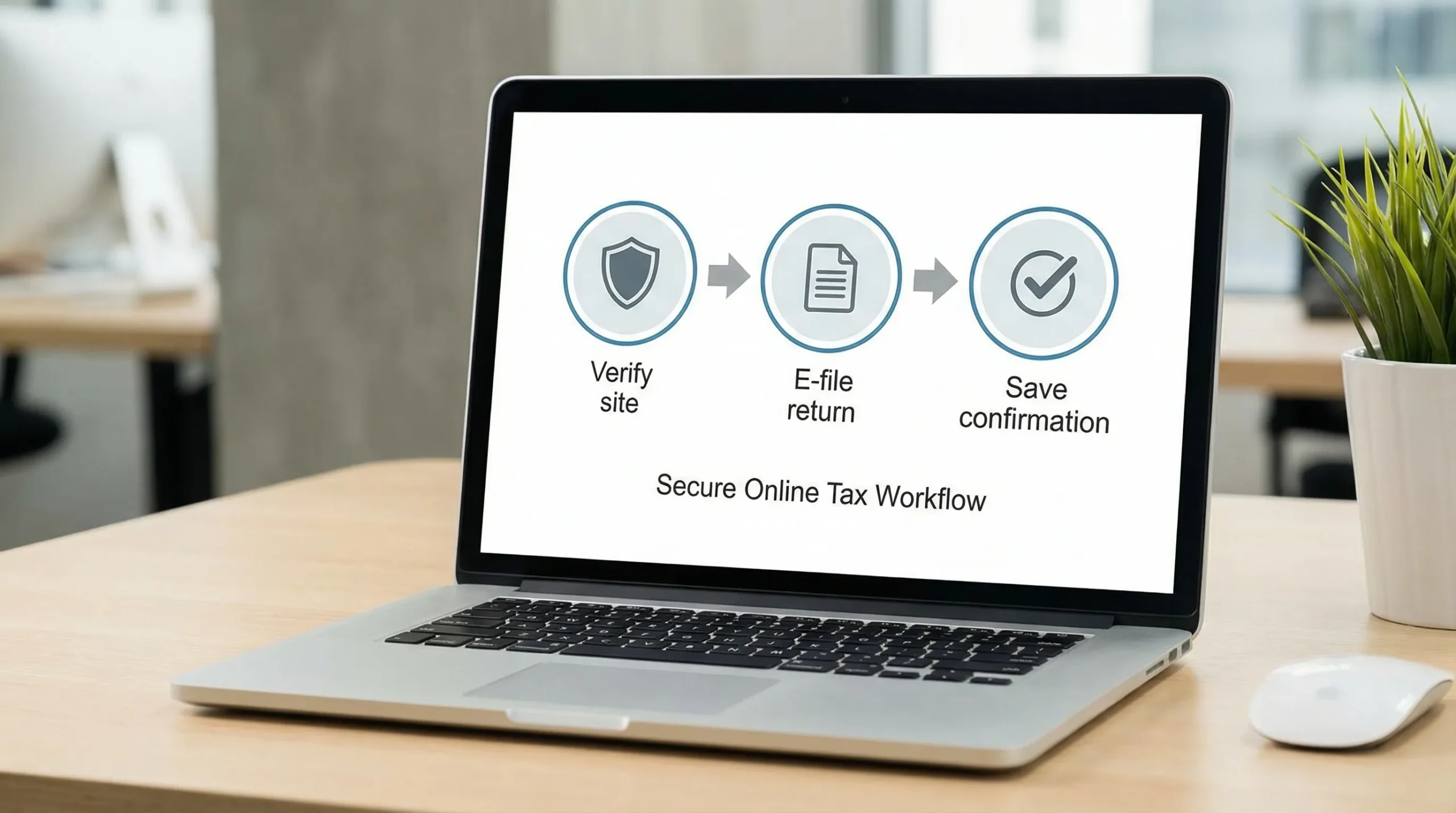
- Proving compliance (saving acknowledgments, confirmations, and supporting records)
Security and “no-risk” outcomes depend on doing all four correctly. Many problems are not technical hacks, they are avoidable process issues like paying on the wrong site, using a compromised device, or missing a confirmation step.
The most common tax online risks (and how to reduce them)
The safest approach is to assume risk exists at every step, then add simple controls.
| Risk area | What can go wrong | Safer practice |
|---|---|---|
| Fake tax sites and phishing | You enter EIN, SSN, bank details, or login credentials into a spoofed portal | Type URLs manually, use bookmarks, and verify you are on an official IRS domain or a trusted IRS-authorized provider |
| Wrong payment destination | A payment is sent but not credited correctly because it was initiated through the wrong channel or applied incorrectly | Use official IRS payment options (or an IRS-authorized e-file provider) and save the confirmation number |
| Unsecured device or Wi‑Fi | Malware, keyloggers, or man-in-the-middle attacks can capture credentials | Use a secured network, update OS/browser, avoid public Wi‑Fi for payments |
| Account takeover | Weak passwords or reused passwords allow attackers to access your tax account | Use a password manager, strong unique passwords, and multi-factor authentication where available |
| Data-entry and filing errors | Wrong quarter, wrong line, incorrect category, missing schedules | Build a pre-filing checklist, reconcile totals, and keep source documentation |
| Missed deadlines | Late filing or late payment triggers penalties and interest | Calendar deadlines early and keep proof of timely submission |
For official IRS security reminders (including scam alerts), see the IRS’s Identity Protection and Security resources.
Secure steps to file taxes online (pre-filing to submission)
Start with a secure setup (it matters more than most people think)
Before you enter any tax data:
- Update your browser and operating system.
- Use a private connection (home or secured office network). Avoid public Wi‑Fi.
- Close unused browser tabs and do not install new extensions right before filing.
- If possible, use a dedicated device profile for finance and tax work.
Verify you are using the right channel
In general, you should file online using one of these paths:
- The IRS e-file ecosystem (directly where applicable), or
- An IRS-authorized e-file provider for the return type you need
If you are filing Form 720 (excise tax), using an IRS-authorized provider helps reduce “did it go through?” uncertainty because you typically receive electronic submission acknowledgments.
To verify official IRS pages, check that the domain ends in irs.gov. For provider selection, use IRS guidance on e-file options and business filing resources.
Build a “clean input” checklist before you click submit
Most tax online problems are avoidable if you confirm inputs before filing. A simple checklist is often enough:
- Confirm the tax period and quarter.
- Confirm legal business name and EIN match IRS records.
- Reconcile totals to internal reports (sales systems, fuel reports, invoices, or plan-year counts).
- Confirm you have any required schedules and supporting forms.
- Save a final copy of the return as a PDF for your records.
If you file federal excise taxes, the data often comes from operational systems (fuel volumes, import entries, ticketing, plan enrollment counts). The most secure filing is also the most auditable filing.

Secure steps to pay taxes online (without misrouting funds)
“Paying online” should mean paying through official IRS payment rails or through a process that clearly ties your payment to the correct tax form and period.
Use an official IRS payment method when appropriate
Common IRS payment options include:
- EFTPS (Electronic Federal Tax Payment System), widely used for business tax payments: EFTPS
- IRS Direct Pay (more commonly used by individuals, depending on tax type): IRS Direct Pay
- Debit or credit card payments through IRS-approved processors: Pay by card
If you pay by card, be aware that processors typically charge fees. The IRS explains this on the payment page above.
Match the payment to the tax and period
To reduce risk, document these details at the time of payment:
- Tax form/type (for excise filers, often Form 720)
- Tax period (quarter and year)
- Amount authorized
- Payment date and confirmation number
This is also what you will want if an internal reviewer, external accountant, or auditor asks, “Prove that it was paid and applied correctly.”
Keep deposit rules in mind (especially for excise taxes)
Some excise taxpayers may have deposit requirements depending on the tax type and liability level. Deposit rules are not the same as “file and pay once a quarter.” If you are unsure, consult the official IRS Form 720 instructions for your filing year on the IRS Forms and Instructions page, or speak with a qualified tax professional.
Extra security considerations for Form 720 (federal excise tax) filers
Form 720 is different from many income tax filings because the risk is often in category mapping and supporting documentation, not just in the submission step.
Know which form you actually need: 720, 720-X, or 8849
- Form 720 is used to report and pay quarterly excise tax.
- Form 720-X is used to amend a previously filed Form 720.
- Form 8849 is commonly used to claim refunds of excise taxes in eligible scenarios.
If you want a plain-language explanation of how these fit together, see: Form 720 vs Form 8849: What’s the Difference?
Treat recordkeeping as part of “secure filing”
Security is not only about preventing hacking. It is also about preventing disputes and delays.
For many excise categories, you should be able to trace what you filed back to source documents such as invoices, meter tickets, entry summaries, bills of lading, usage logs, or plan-year enrollment reports. If you ever need to amend or claim a refund, good records reduce both financial and compliance risk.
If you are new to excise tax reporting, this overview can help you confirm whether Form 720 applies to your business activities: Does your business need to file Form 720?
Plan for corrections the safe way
Mistakes happen. The key is having a controlled process to fix them.
If you discover an error after filing, you generally do not want to “guess and patch it” in the next quarter without support. For excise returns, the correct fix may involve Form 720-X or a refund claim process.
For a deeper walkthrough, see: Can an amended return be efiled?
How to confirm your tax online filing and payment actually succeeded
A secure workflow ends with proof.
For filing
Keep:
- The final return copy (PDF)
- The electronic submission acknowledgment (if e-filed)
- Any supporting worksheets used to compute amounts
If you filed through an e-file provider, do not stop at “submitted.” Wait for confirmation that the return was accepted or acknowledged, depending on the system’s status flow.
For payment
Keep:
- The confirmation number and timestamp
- Bank proof (ACH confirmation, statement line item, or receipt)
These documents can be critical if the IRS later issues a notice due to a mismatch, processing delay, or payment application issue.
When using an IRS-authorized e-file provider reduces risk
Many businesses choose an IRS-authorized e-file provider to reduce practical risk in three areas:
- Accuracy controls: guided workflows can reduce mis-keyed fields and missing schedules.
- Submission visibility: electronic acknowledgments provide proof of timely filing.
- Support when something is unclear: especially helpful for first-time filers or complex excise categories.
If you are filing federal excise tax returns, eFileExcise720 is an IRS-authorized platform designed specifically for Form 720 e-filing (and also supports Form 720-X amendments and Form 8849 claims). You can learn the filing basics here: Understanding Form 720 and how to file it
Frequently Asked Questions
What is the safest way to pay tax online? The safest approach is to pay through official IRS payment options (like EFTPS) or through an IRS-authorized e-file process, and to save your confirmation number and bank proof.
How do I know a tax website is legitimate? Check for an official IRS domain ending in irs.gov, or confirm the service is an IRS-authorized e-file provider. Avoid links from emails or texts and type the address yourself.
Is it risky to enter my EIN and bank information online? It can be if you are on a spoofed site, on public Wi‑Fi, or using an infected device. Reduce risk by using a secured network, updated software, and verified portals.
If I filed online, what proof should I keep? Save a copy of the submitted return, any e-file acknowledgment, and all payment confirmations. These are your primary “proof of compliance” documents.
Can I file Form 720 online? Yes. Form 720 can be e-filed using an IRS-authorized provider. This is often faster and provides electronic submission acknowledgments.
What if I need to correct an excise tax filing after submitting Form 720? Corrections may require an amended return (Form 720-X) or a refund claim (Form 8849), depending on the situation. Keep records and use the correct IRS process rather than guessing.
File Form 720 online with less stress
If your “tax online” goal includes filing and paying federal excise taxes correctly, using a specialized, IRS-authorized portal can help you reduce both security risk and compliance risk.
With eFileExcise720, you can create a free account, e-file Form 720 without downloading software, and get personalized customer support. The platform supports all Form 720 categories and also supports Form 720-X amendments and Form 8849 claims.
Get started here: File Form 720 online