IRS Online Submission Tips for Form 720 and 8849
Submitting excise tax forms online can save time, reduce mailing uncertainty, and give your business faster filing confirmation. But a smooth IRS online submission for Form 720 or Form 8849 still depends on what happens before you click submit: choosing the right form, matching the correct tax period, reconciling amounts, and keeping records that support every line.
That preparation matters because Form 720 and Form 8849 serve different purposes. IRS Form 720 reports federal excise tax liabilities, usually on a quarterly basis. IRS Form 8849 is used to claim certain excise tax refunds. If you mix up those roles, even a well-intended online filing can lead to delays, rejections, or avoidable follow-up work.
The tips below are designed for business owners, controllers, fleet operators, fuel businesses, benefits administrators, importers, manufacturers, and tax teams that want a cleaner online filing process for excise taxes.
Start by Confirming Which IRS Form You Actually Need
The most important IRS online submission tip is also the simplest: do not start entering data until you know whether you are reporting tax, correcting tax, or claiming a refund.
Form 720, the Quarterly Federal Excise Tax Return, is used to report many federal excise taxes, including fuel-related taxes, environmental taxes, indoor tanning taxes, communications taxes, air transportation taxes, manufacturer taxes, and the PCORI fee. The IRS maintains current form information on its Form 720 page.
Form 8849, Claim for Refund of Excise Taxes, is different. It is generally used when a taxpayer is claiming a refund for certain excise taxes, often because tax was paid on fuel or another excise-taxed item that later qualified for refund treatment. The IRS provides form details on its Form 8849 page.
| Situation | Usually use | Online submission tip |
|---|---|---|
| Reporting current-quarter federal excise tax liability | Form 720 | Confirm the quarter, tax category, IRS number, and computation before entering amounts. |
| Correcting a previously filed Form 720 | Form 720-X | Keep the accepted original return and your adjustment explanation available. |
| Claiming a refund of certain excise taxes | Form 8849 | Select the correct schedule and keep proof that tax was paid and the claim qualifies. |
| Paying excise tax or deposits | EFTPS or another approved IRS payment method | Do not assume submitting a form online automatically completes payment. |
If you are still deciding between the two forms, review this guide to Form 720 vs. Form 8849 before starting your submission.
Build a Clean Filing Packet Before You Log In
Online filing is faster when your data is already organized. If you start an IRS online submission while you are still hunting for invoices, gallons, covered lives, import records, or deposit confirmations, you increase the risk of choosing the wrong period or entering an unreconciled number.
A good filing packet should include the core business profile data, the tax period, the excise category, source records, calculations, and payment information. For Form 8849, it should also include claim support such as invoices, proof of tax paid, export records, fuel-use logs, or other documents that support the schedule being filed.
Before starting, verify these basics:
- Legal business name exactly as used with the IRS
- Employer Identification Number, commonly called EIN
- Current mailing address and contact details
- Correct quarter or claim period
- Excise tax category or Form 8849 schedule
- Source records used to calculate tax or refund amounts
- Prior returns, if you are amending or reconciling against earlier filings
- Payment or deposit records, if tax is owed
Name and EIN mismatches are common causes of processing problems. Even small differences can create unnecessary friction, especially when filings are submitted near a deadline.

Match Every Amount to the Correct Period and Category
For Form 720, the tax period is central. The return is generally filed quarterly, and each return should reflect the activity for that quarter. Standard due dates are the last day of the month following the end of the quarter: April 30, July 31, October 31, and January 31. If a deadline falls on a weekend or federal holiday, it moves to the next business day.
For Form 8849, the claim period and schedule matter just as much. A refund claim should clearly connect the tax paid, the qualifying use or event, and the amount requested. Different schedules apply to different claim types, so selecting the wrong schedule can slow the process. For a deeper breakdown, see the guide to Form 8849 schedule types.
Do not rely only on labels from your accounting system. A product, fuel type, service charge, or policy count may be coded internally in a way that does not match IRS excise tax categories. Use the IRS instructions and reliable source records to bridge the gap between operational data and tax reporting.
Reconcile Before You Submit, Not After
A strong online filing process includes a reconciliation step before submission. This is where you compare the number that will go on the form to the records that generated it.
For Form 720, reconcile taxable units, rates, deposits, credits, and the final balance due. If you file multiple excise categories on the same return, review each category separately before looking at the total. A single incorrect unit conversion or rate can affect the entire return.
For Form 8849, reconcile the claim amount to proof of tax paid and the facts that make the claim eligible. A refund claim is not just a number. It is a position supported by documentation. The IRS can ask for records, so the best time to prepare those records is before submission.
| Review point | Form 720 focus | Form 8849 focus |
|---|---|---|
| Period | Quarter ending date and liability period | Claim period and schedule period |
| Amount | Taxable units, applicable rate, deposits, and credits | Tax paid, qualifying use, and refund calculation |
| Support | Sales reports, import records, usage data, plan counts, invoices | Invoices, proof of payment, usage records, export documents, exemption support |
| Final check | Balance due and payment status | Duplicate claim risk and claim eligibility |
Rates, schedules, and instructions can change, so confirm current requirements using IRS resources such as Publication 510 and the applicable form instructions.
Separate Form Submission From Tax Payment
One of the easiest online filing mistakes is assuming that filing and payment are the same step. They are related, but they are not identical.
Submitting Form 720 online reports the tax. Paying the tax or making required deposits may require a separate action through EFTPS or another IRS-approved method. Some excise taxes are subject to deposit rules, and waiting until the return due date may not be enough if deposits were required earlier.
This distinction matters because the IRS can accept a return while a payment is late, incomplete, or missing. Late-payment and failure-to-deposit penalties can apply even when the return itself was filed on time. If you need a refresher on risk areas, review the overview of Form 720 penalties and interest.
For Form 8849, the payment issue is different. You are generally requesting money back, but you still need to prove that the tax was paid and that no duplicate claim is being made elsewhere.
Watch for IRS Acknowledgment and Fix Rejections Quickly
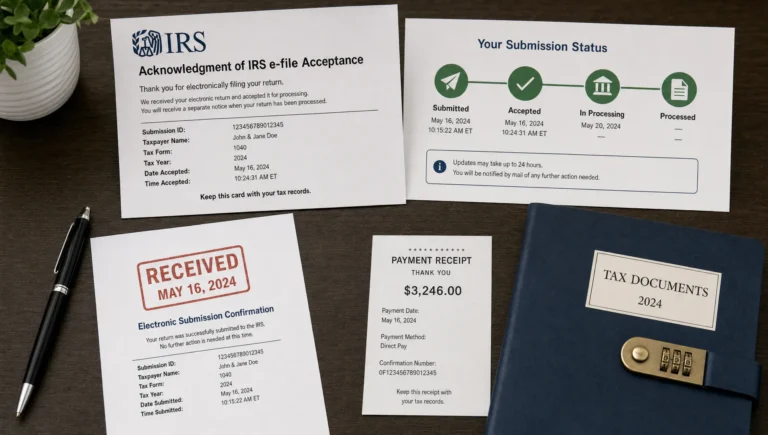
A successful IRS online submission does not end when the data leaves your screen. The key proof is the IRS acknowledgment showing whether the filing was accepted or rejected.
If the filing is accepted, save the acknowledgment with the completed form, supporting records, and payment documentation. If it is rejected, do not treat the attempt as complete. Review the rejection reason, correct the issue, and resubmit as soon as possible.
Common rejection or delay triggers include invalid EIN information, incorrect tax period selection, missing required fields, calculation inconsistencies, and incompatible form or schedule choices. A rejection near a due date can create unnecessary penalty exposure, so avoid last-minute submissions whenever possible.
Avoid the Most Common Online Submission Mistakes
Most Form 720 and Form 8849 problems are not caused by the online system itself. They usually come from incomplete preparation or misunderstanding how the forms work.
| Mistake | Why it creates problems | Better approach |
|---|---|---|
| Choosing Form 8849 when you need to correct a prior Form 720 | Refund claims and amended returns are not always interchangeable | Determine whether Form 720-X, Form 8849, or another action applies before filing. |
| Selecting the wrong quarter | The IRS processes excise tax by period | Match transactions to the correct calendar quarter before entering data. |
| Using unreconciled estimates | Estimates can cause underpayment, overpayment, or refund delays | Reconcile source records to the form total before submission. |
| Forgetting payment or deposit steps | Return acceptance does not always mean payment compliance | Confirm EFTPS deposits and final payment timing separately. |
| Claiming a refund without proof | Form 8849 claims depend on eligibility and documentation | Store invoices, usage logs, proof of tax paid, and claim calculations together. |
| Waiting until the deadline | Rejections take time to fix | Submit early enough to review acknowledgments and correct errors. |
If your business files repeatedly, create a quarter-end checklist and reuse it. Consistency is one of the best ways to reduce errors across fuel, environmental, PCORI, communications, and other excise categories.
Use a Simple Workflow for Online Filing
A repeatable workflow keeps your filing process predictable, especially if more than one person helps gather records or approve payments.
- Confirm the form and filing reason: Decide whether you are reporting liability on Form 720, correcting a prior return, or claiming a refund on Form 8849.
- Gather source records: Collect invoices, usage logs, sales reports, covered-life counts, import records, exemption support, and prior filings as applicable.
- Calculate and reconcile: Tie each amount to the correct tax category, rate, quarter, schedule, and supporting records.
- Enter data in the online portal: Use the legal business name, EIN, period, and category information consistently.
- Review before submission: Check totals, payment fields, schedules, credits, and claim details before transmitting.
- Track acknowledgment: Save the accepted confirmation or resolve any rejection quickly.
- Archive records: Store the completed form, acknowledgment, payment confirmation, calculations, and support in one location.
For a more detailed preparation list, you can also use the Form 720 e-filing checklist for 2026.
Know How Form 720 and Form 8849 Can Connect
Many businesses file both forms at different points in the compliance cycle. For example, a company may report excise tax on Form 720 for one quarter and later determine that certain fuel use, exports, or other qualifying events support a refund claim on Form 8849.
The key is to avoid double counting. Do not reduce a current Form 720 liability or submit a Form 8849 claim unless the treatment is supported by the instructions and your records. If the issue is an error on a previously accepted Form 720, an amended return path may be more appropriate. This guide to whether an amended return can be e-filed explains the difference in more detail.
When in doubt, document the facts first, then choose the form. That sequence is safer than choosing a form and trying to make the facts fit later.
How eFileExcise720 Helps With Online Submission
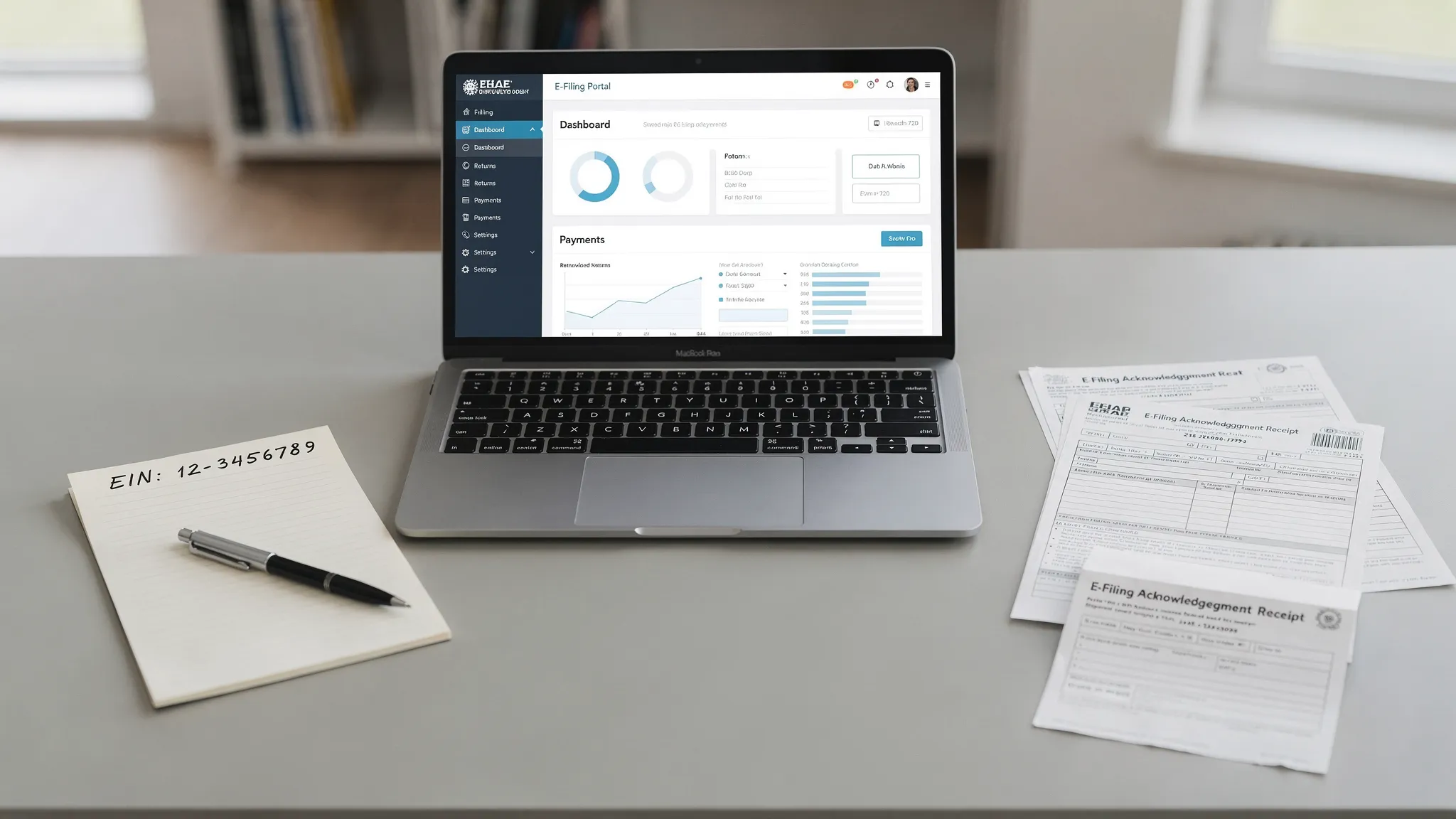
eFileExcise720 is an IRS-authorized online platform built to simplify federal excise tax filing. You can create a free account, file online without downloading software, navigate a simple dashboard, and get personalized customer support when you need help with the process.
The platform supports Form 720 categories, Form 720 amendments through Form 720-X, and Form 8849 claims support. It also helps businesses handle filing online with secure data protection, which is especially important when your return includes EIN details, tax calculations, payment records, and refund documentation.
For businesses that handle excise tax only once a year, such as certain PCORI fee filers, online guidance can reduce confusion. For businesses that file quarterly, a consistent online workflow can make each period easier to manage.
Frequently Asked Questions
Can IRS Form 720 be submitted online? Yes. IRS Form 720 can be submitted electronically through an IRS-authorized e-file provider. Online filing helps reduce mailing delays and gives you an electronic acknowledgment once the IRS processes the submission.
Can Form 8849 be submitted online? Many excise refund claims can be handled online when supported by the provider and the claim type. The key is choosing the correct Form 8849 schedule and keeping documentation that proves the tax was paid and the refund claim qualifies.
Does IRS online submission automatically pay my excise tax? No. Filing and payment are separate compliance steps. If you owe excise tax or are required to make deposits, confirm the correct payment method and timing, often through EFTPS or another approved IRS payment option.
When is Form 720 due? Form 720 is generally due quarterly on April 30, July 31, October 31, and January 31. If the due date falls on a weekend or federal holiday, the deadline moves to the next business day. Certain annual filings reported on Form 720, such as the PCORI fee, have special timing rules.
What should I do if my online filing is rejected? Review the rejection message, correct the issue, and resubmit as soon as possible. A rejected submission is not the same as an accepted filing, so keep monitoring until you receive acceptance.
Should I use Form 8849 or Form 720-X for a mistake? It depends on the facts. Form 8849 is generally used for certain excise tax refund claims, while Form 720-X is used to amend a previously filed Form 720. Review the instructions or get professional guidance if the correction affects a prior return.
File Form 720 and 8849 Online With Confidence
A clean IRS online submission starts with the right form, accurate records, a careful reconciliation, and proof that the IRS accepted your filing. The more organized your process is before submission, the fewer surprises you are likely to face after submission.
Ready to simplify excise tax filing? Create your free eFileExcise720 account to file Form 720 online, get support for Form 720-X amendments and Form 8849 claims, and manage federal excise tax compliance through a secure IRS-authorized platform.